



Plugin inspired by DiosesMC
6) Revive (Death Inventory Restoration)
- Snapshots captured on death.
- /revive opens menu to restore inventory/equipment/xp based on snapshot.
- Automatic cleanup of expired snapshots by configurable interval.
7) Player Client Detection
- Detects client brand via channels/plugin messages:
- minecraft:brand, MC|Brand, fml:handshake, etc.
- Maps known signatures:
- Lunar, Badlion, Feather, Forge, Fabric, Vanilla...
- Allows custom mappings in config.
- Notification to staff with notification permission.
9) Placeholders (PlaceholderAPI)
Optional hook:
- If PlaceholderAPI is installed, registers its own expansion for MaxStaff states.
Main Commands
- /maxstaff (/ms)
Admin subcommands: help, reload, reset, take, debugperm - /staff
- /vanish
- /sc
- /cmdspy
- /chat
- /gamemode (/gm)
- /alts
- /sanction
- /freeze, /unfreeze
- /report
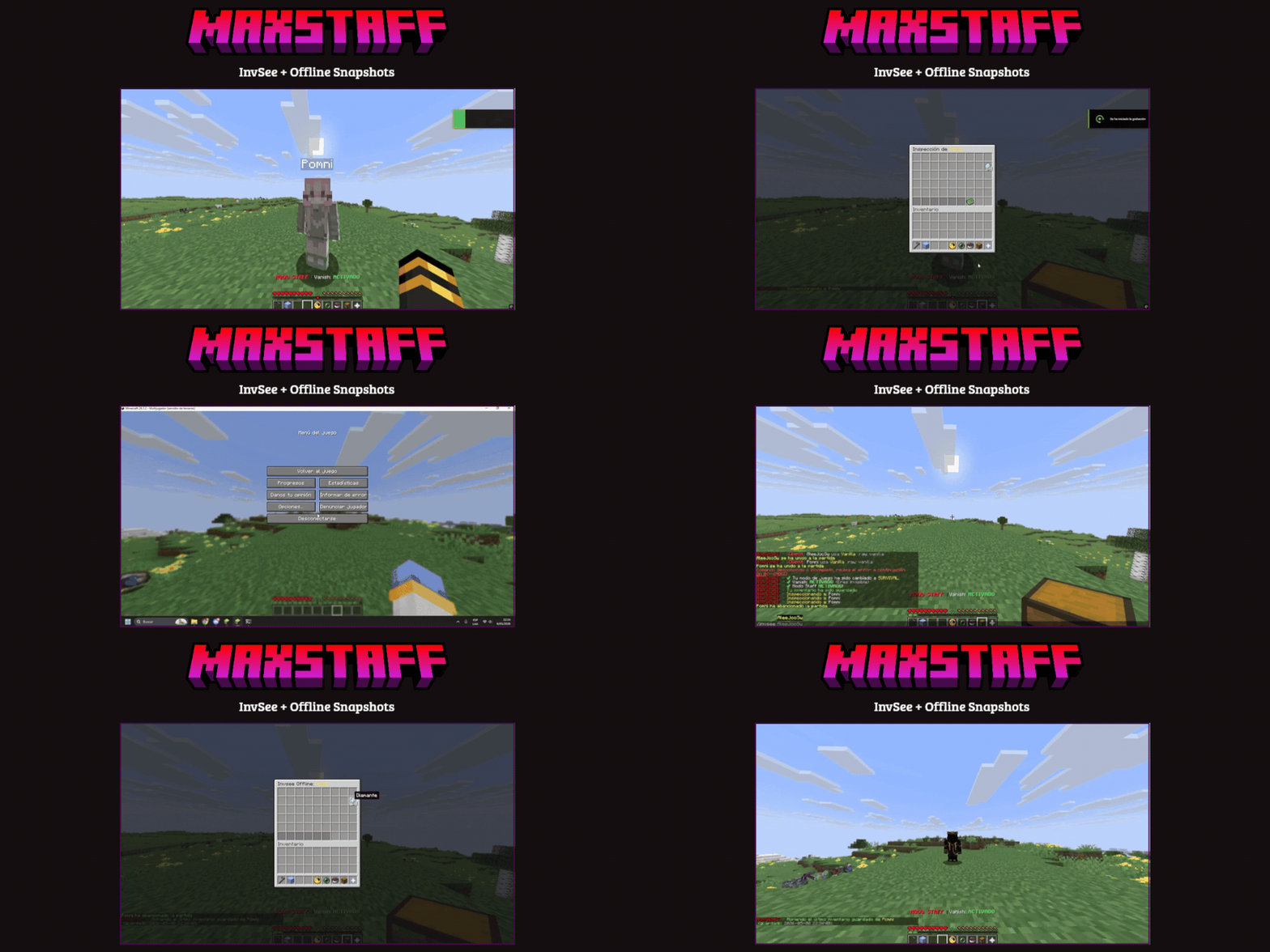
- /invsee
- /revive
- Direct sanctions: ban/mute/kick/warn/history + IP variants.
Key Permissions
Master permission:
- maxstaff.admin
Permissions by module (summary):
- maxstaff.command.staff
- maxstaff.vanish
- maxstaff.freeze
- maxstaff.staffchat
- maxstaff.cmdspy
- maxstaff.cmdspy.raw (sensitive)
- maxstaff.chat.admin
- maxstaff.gamemode
- maxstaff.alts
- maxstaff.punish and maxstaff.punish.*
- maxstaff.history
- maxstaff.report, maxstaff.report.notify, maxstaff.report.bypass
- maxstaff.invsee
- maxstaff.revive
- maxstaff.client.notify
See exact details and inheritances in src/main/resources/plugin.yml.
Configuration
Main files:
- config.yml → global behavior, GUI, sanctions, database, modules.
- discord.yml → webhooks and embed formats.
- lang/messages_es.yml and lang/messages_en.yml → messages and GUI texts.
- plugin.yml → commands and permissions.
Important Blocks in config.yml
- database.* (MySQL / local fallback)
- command-spy.* (mask for sensitive commands)
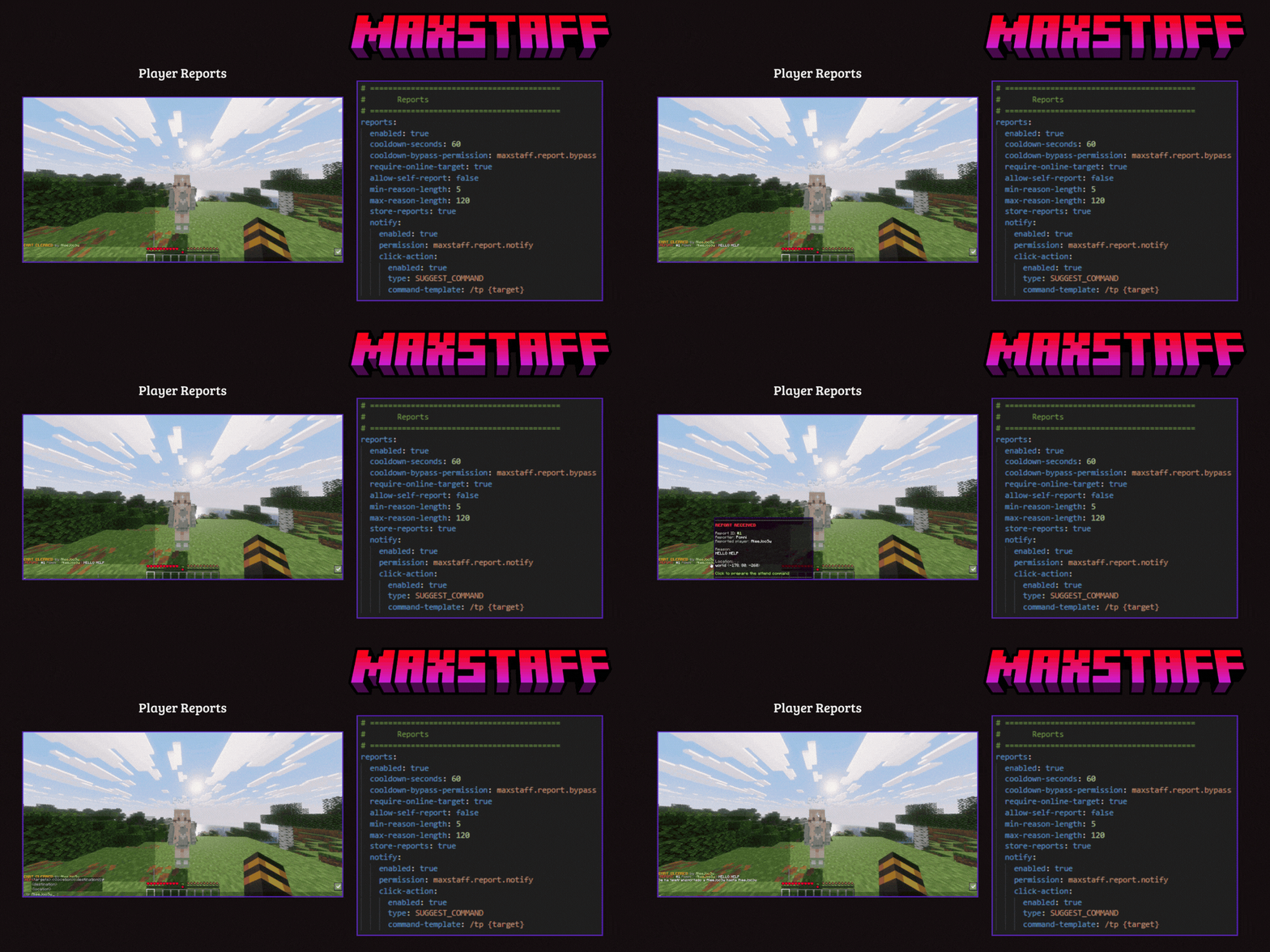
- reports.* (cooldown, storage, validations)
- inventory-snapshots.* (retention/cleanup)
- client-tracker.* (detection and notifications)
- punishments.* (durations, reasons, broadcasts)
- gui.* / gui-style.* (materials and visuals)
Installation
- Compile or download the MaxStaff Premium .jar.
- Place it in /plugins.
- Restart the server.
- Review and adjust:
- config.yml
- discord.yml
- language (messages_es.yml or messages_en.yml)
- (Optional) Install PlaceholderAPI for placeholders.
Data Storage
- Local YAML: useful for single server.
- MySQL: recommended for network/multi-server.
- Files generated by modules:
- reports.yml
- invsee-cache/*.yml
- sanction files according to backend.
Compatibility and Operation
- Declared API: 1.19.
- Designed for Paper/Purpur/... ecosystem.
- Includes bStats metrics.
- Update check on startup (if enabled).
Real Utilities for Staff
- Quick response to reports with context.
- Internal auditing (spy/staff chat/history).
- Post-incident recovery (revive/snapshots).
- Consistent moderation in networks (MySQL sync).
- Traceability and transparency via Discord embeds.
Support and Improvements
If you want to improve performance or operational security:
- Adjust report cooldowns and filters.
- Harden sensitive permissions (cmdspy.raw).
- Use MySQL for environments with multiple servers.
- Well-define the catalog of reasons and durations by sanction type.
Related Products (1)
Product Info
Statistics
225
Views
0
Purchases
0
Downloads
4.56 MB
File size
08.07.2026
Published
16.08.2026
Updated
Info
Server type
Supported Versions
1.21.11 - 26.2
Product Image
Links