Socials Menu | CommandPanels v4 v1
An amazing Attractive Hex Colored Socials Menu with 6 Social Options to integrate!

Show content
🔗 Socials Menu – Config Pack
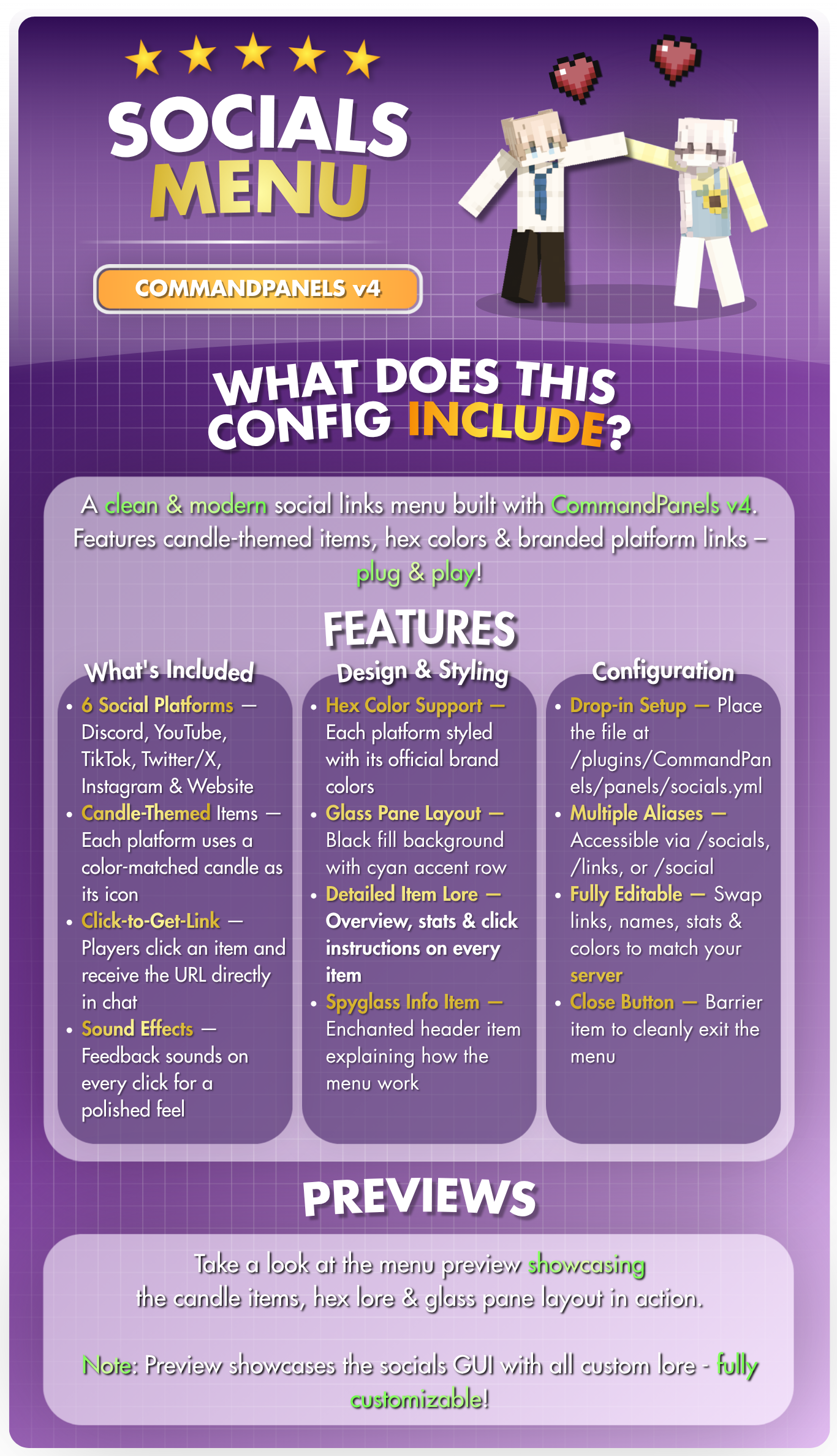
A clean & modern social links menu built with CommandPanels v4.
Features candle-themed items, hex colors & branded platform links – plug & play!
Made with ❤️ by @zArrowTan - a stylish social links menu configuration.

🔗 What's Included🎮 6 Social Platforms – Discord, YouTube, TikTok, Twitter/X, Instagram & Website
🕯️ Candle-Themed Items – Each platform uses a color-matched candle as its icon
💬 Click-to-Get-Link – Players click an item and receive the URL directly in chat
🔊 Sound Effects – Feedback sounds on every click for a polished feel
🎨 Design & Styling🎯 Hex Color Support – Each platform styled with its official brand colors
🪟 Glass Pane Layout – Black fill background with cyan accent row
📝 Detailed Item Lore – Overview, stats & click instructions on every item
🔎 Spyglass Info Item – Enchanted header item explaining how the menu works
⚙️ Configuration📂 Drop-in Setup – Place the file at /plugins/CommandPanels/panels/socials.yml
🔤 Multiple Aliases – Accessible via /socials, /links, or /social
✏️ Fully Editable – Swap links, names, stats & colors to match your server
🚪 Close Button – Barrier item to cleanly exit the menu

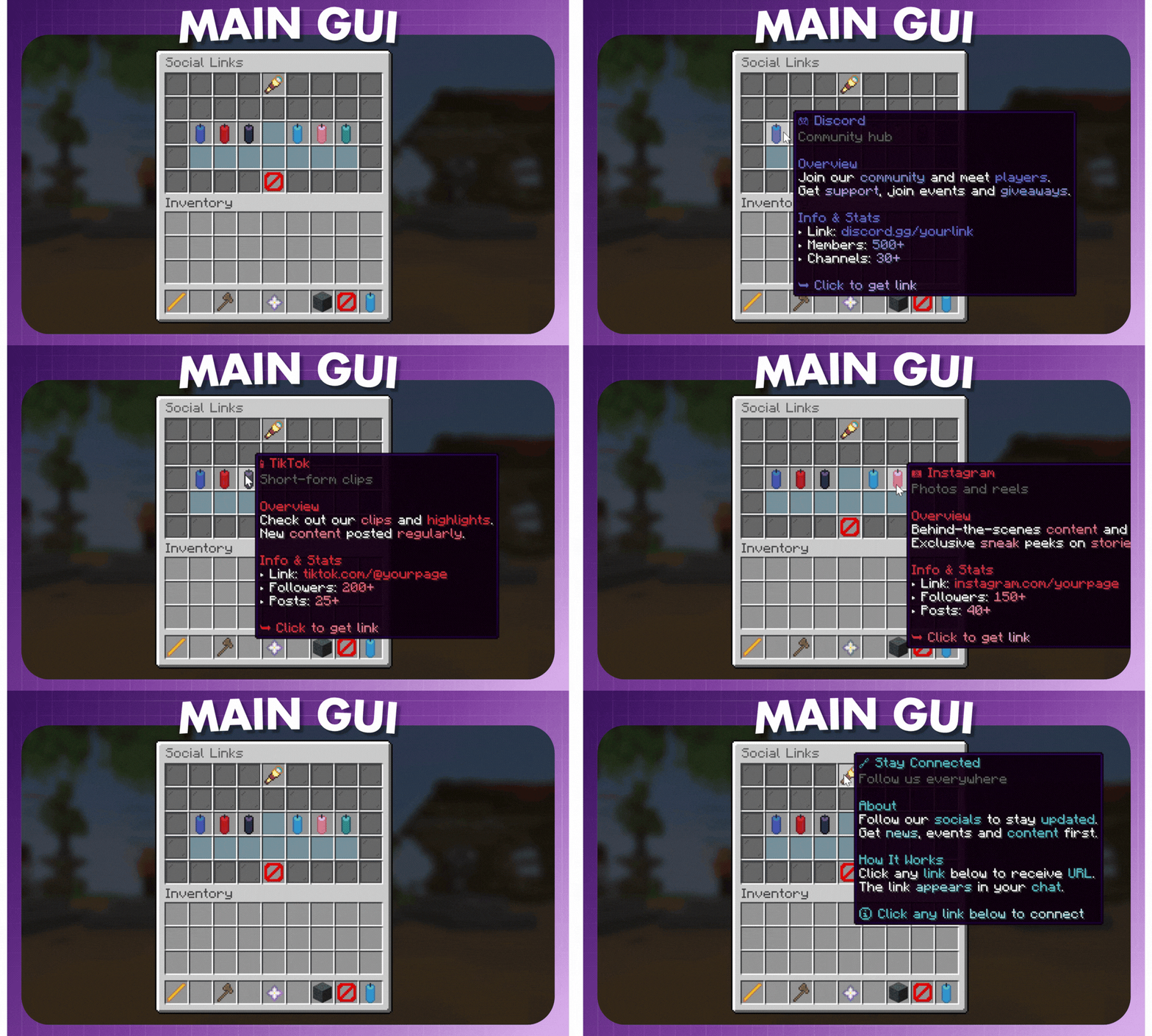
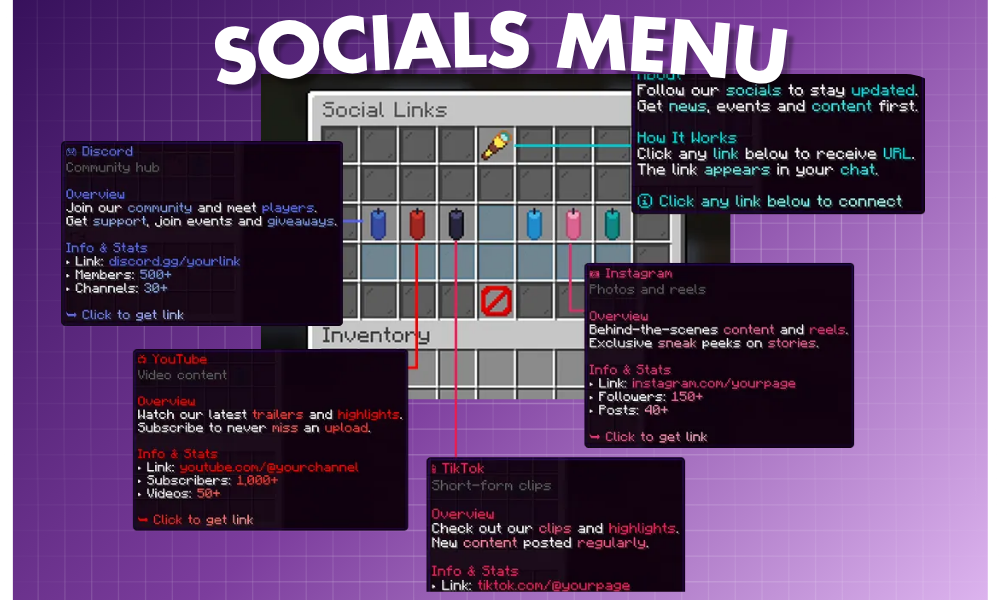
Take a look at the menu preview showcasing
the candle items, hex lore & glass pane layout in action.
Note: Preview showcases the socials GUI with all custom lore - fully customizable!
 Styled Socials Menu with candle-themed design. Features 6 platform links, branded hex colors and detailed lore! Clean cyan/teal theme with glass pane accents. 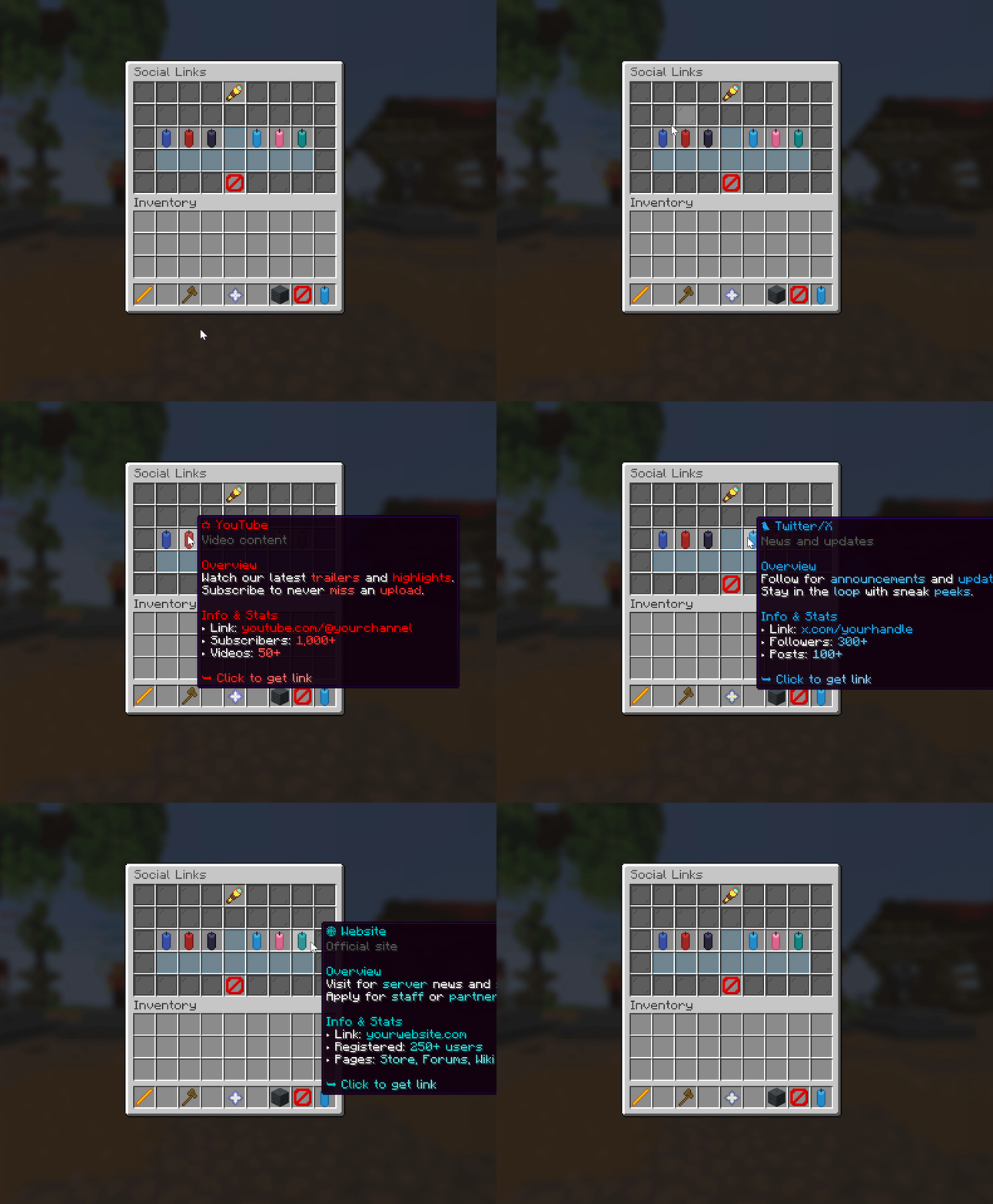 Live preview of the customized socials menu in action! 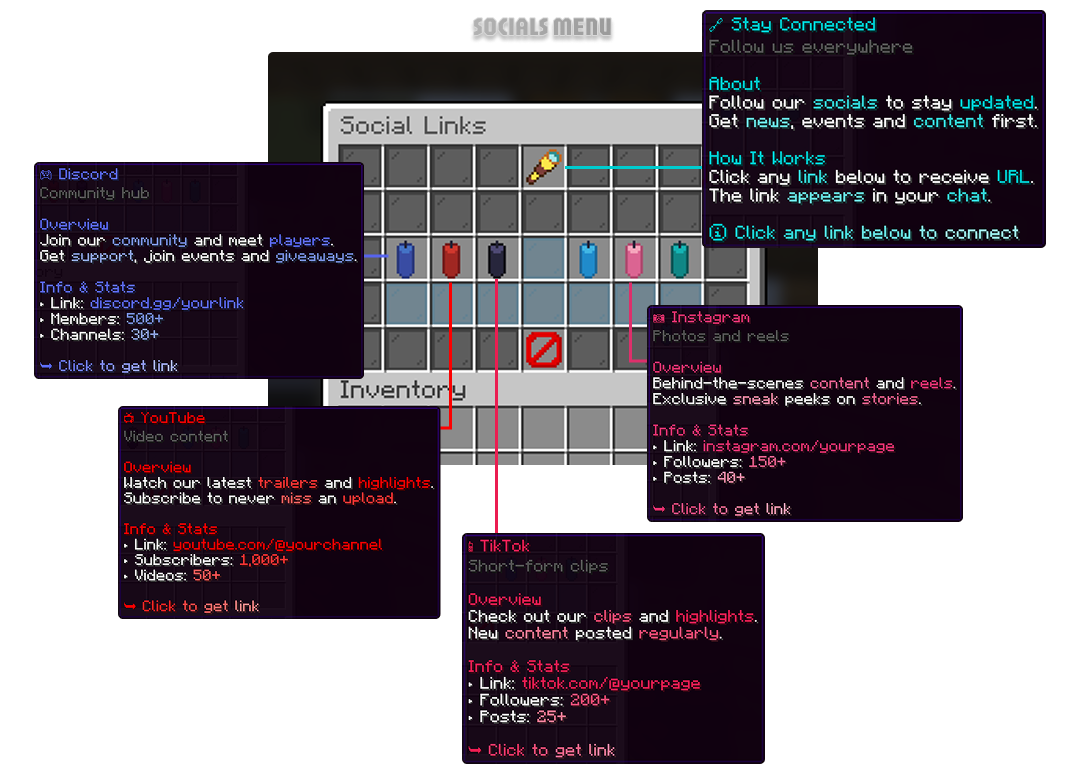 Item lore showcase – detailed descriptions & brand-colored styling on each platform. |

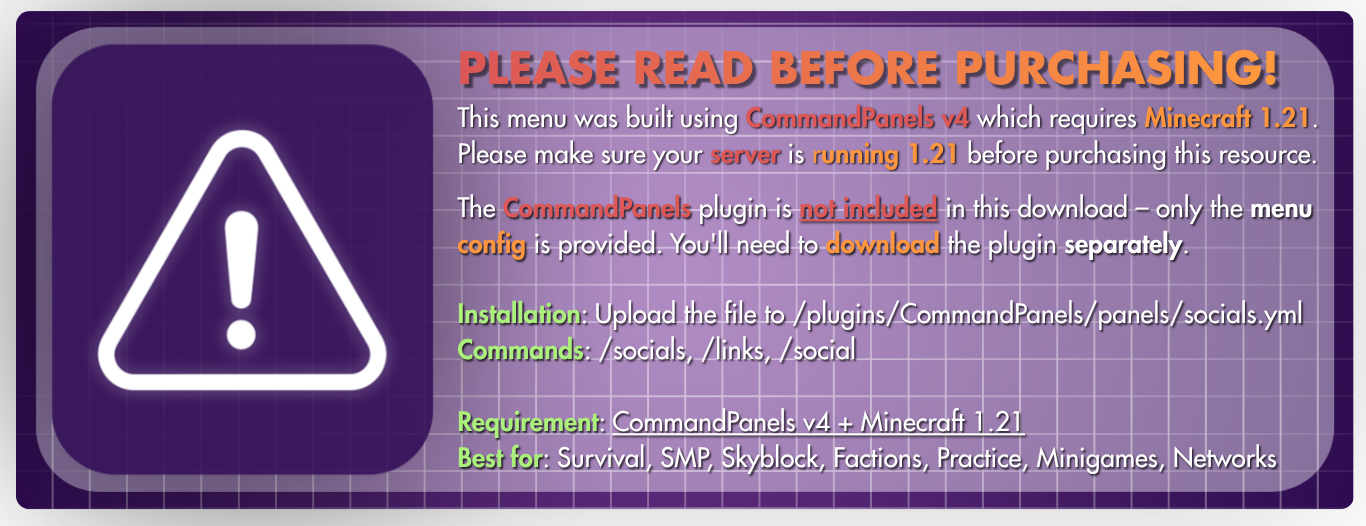
⚠️ Important – Please Read Before Purchasing!
This menu was built using CommandPanels v4 which requires Minecraft 1.21.
Please make sure your server is running 1.21 before purchasing this resource.
The CommandPanels plugin is not included in this download – only the menu config is provided.
You'll need to download the plugin separately from:
Modrinth - CommandPanels
Installation: Upload the file to /plugins/CommandPanels/panels/socials.yml
Commands: /socials, /links, /social
Requirement: CommandPanels v4 + Minecraft 1.21
Best for: Survival, SMP, Skyblock, Factions, Practice, Minigames, Networks

🤝 Special Thanks to Our Partners
This config wouldn't be possible without these amazing collaborators!

ITITAN Hosting – Official Hosting Partner
Get 15% off with code ARROWTAN at checkout!

MCsets – Payment Infrastructure Partner
Accept payments in 135+ currencies with automated delivery!

Thanks for choosing Socials Menu Config,
a clean social links interface for your server.
Need help with installation? Found a bug? Want to suggest features?
Join our Discord community for quick support, setup assistance,
troubleshooting, and direct access to updates & configs.
We're here to ensure your server runs smoothly and reaches its full potential!
https://discord.arrowtan.cc
Get support, report bugs, share feedback, and connect with other server owners.
Product Info
Statistics
99
Views
0
Purchases
0
Downloads
2.31 KB
File size
30.05.2026
Published
30.05.2026
Updated
Share & Earn
Share and earn part of the profits, an estimated €0.2 per product sale.
Product Image

Links


