WandWorks | Sell, Build & Shop Wands 1.0.1
Sell a chest's contents in one click, or place a line of blocks bought straight from your shop.

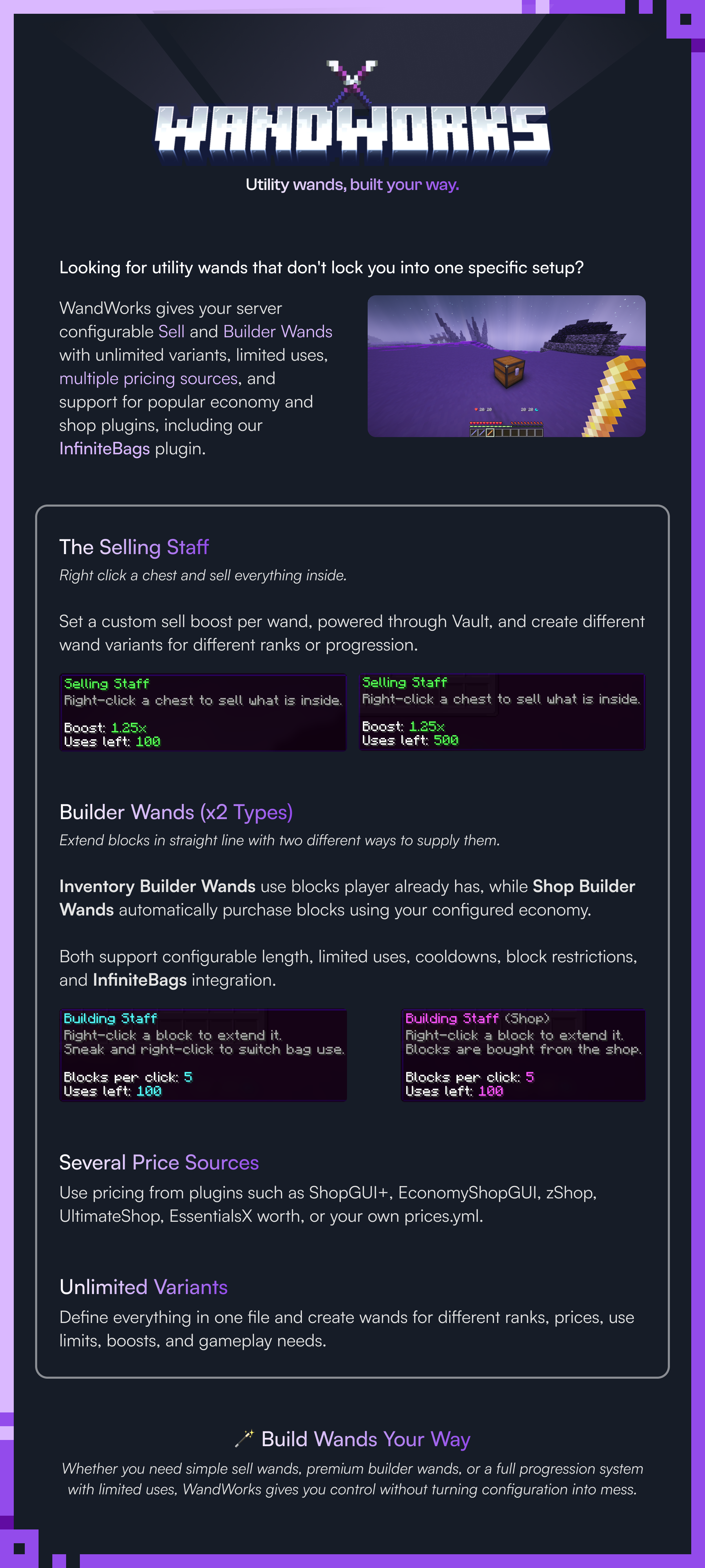

Sell a chest's contents in one click, or place a line of blocks bought straight from your shop.
By @zArrowTan, part of Arrow Plugins.
📋 Overview
WandWorks gives your players wands with a limited number of uses: one that sells a container's contents on a right click, and two that build a line of blocks in the direction you are facing. Every wand is defined in config, so you can ship a common tier and a donor tier of each, or a dozen variants, and price them however you like.
It sits on top of whichever shop plugin you already run, so the prices players sell and buy at are the ones already set on your server. Nothing to keep in sync.
🧩 Dependencies
- Vault (required for anything that pays) plus an economy plugin. A wand that needs money says so and stops rather than failing quietly. Get it here
- A shop plugin (optional) supplies your prices. ShopGUI+, EconomyShopGUI, UltimateShop, zShop and EssentialsX are all read from, and a bundled price file is the fallback that always works
- SuperiorSkyblock2 (optional) keeps both wand types to an island the player belongs to
- InfiniteBags 1.3.0+ (optional) lets the builder wands pull blocks from a player's bag
The server starts and runs clean with none of these installed, and with all of them.
💰 The Sell Wand
Right-click a container and everything inside is sold. A double chest counts as one container, and shulker boxes work too, coloured ones included.
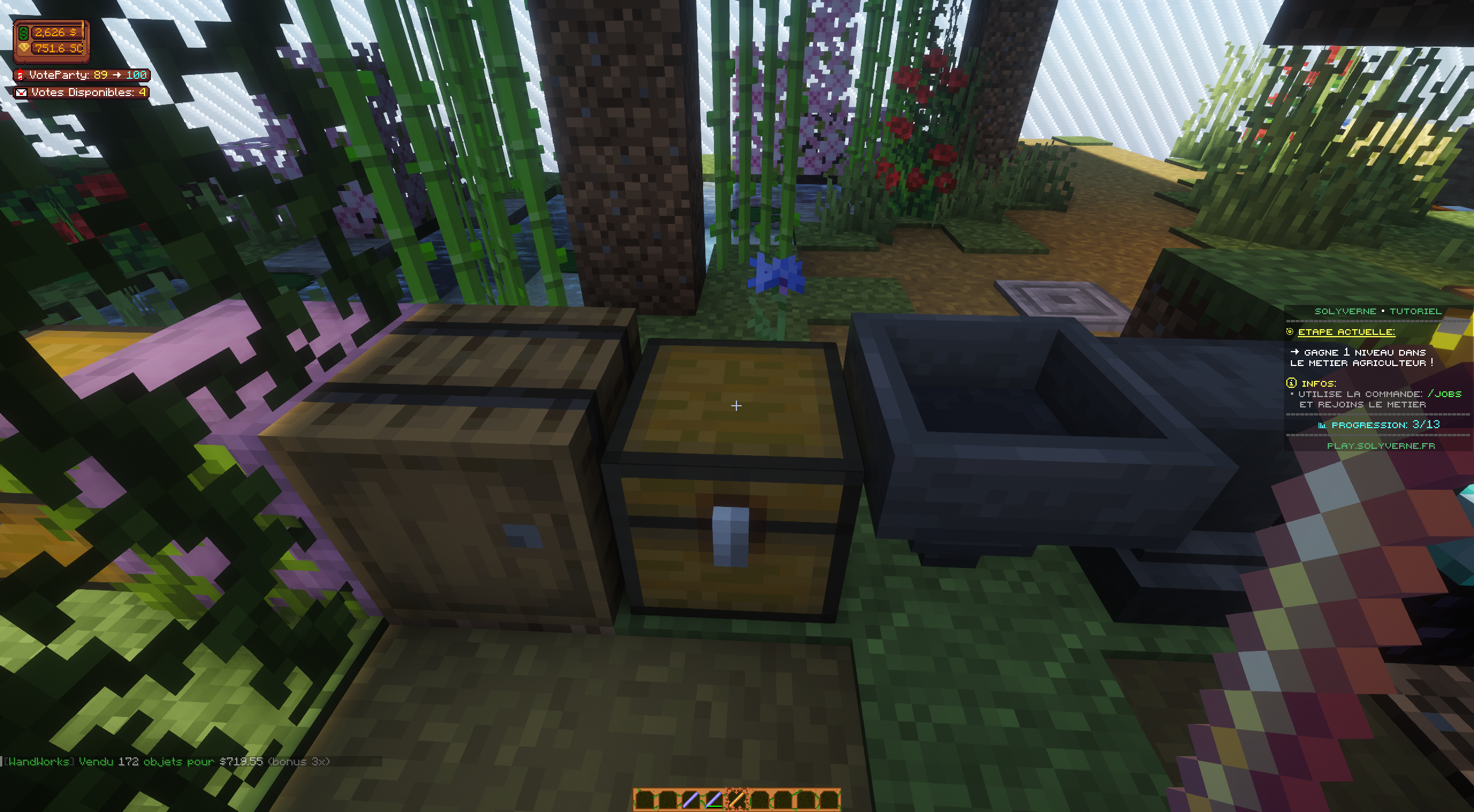
Right-click a chest and the contents sell at your shop's prices
- Only priced items are taken, and everything else stays where it is. There is a switch to cancel the whole sale instead, if you would rather it were all or nothing
- A sell boost per wand, on top of whatever price your shop plugin gives that player. If they already have a rank multiplier there, the two stack
- A cooldown, a minimum sale value and an optional payout cap, all per wand
- A whitelist and a blacklist, so a wand can be limited to ores, or blocked from selling one thing
- Protection plugins are respected. If something already blocked the interaction, nothing is sold
🧱 The Builder Wands
Right-click the face of a block and it extends in a straight line, up to the length set on the wand. Blocks only go into air or into whatever you list as replaceable, and never past the world's build limits.
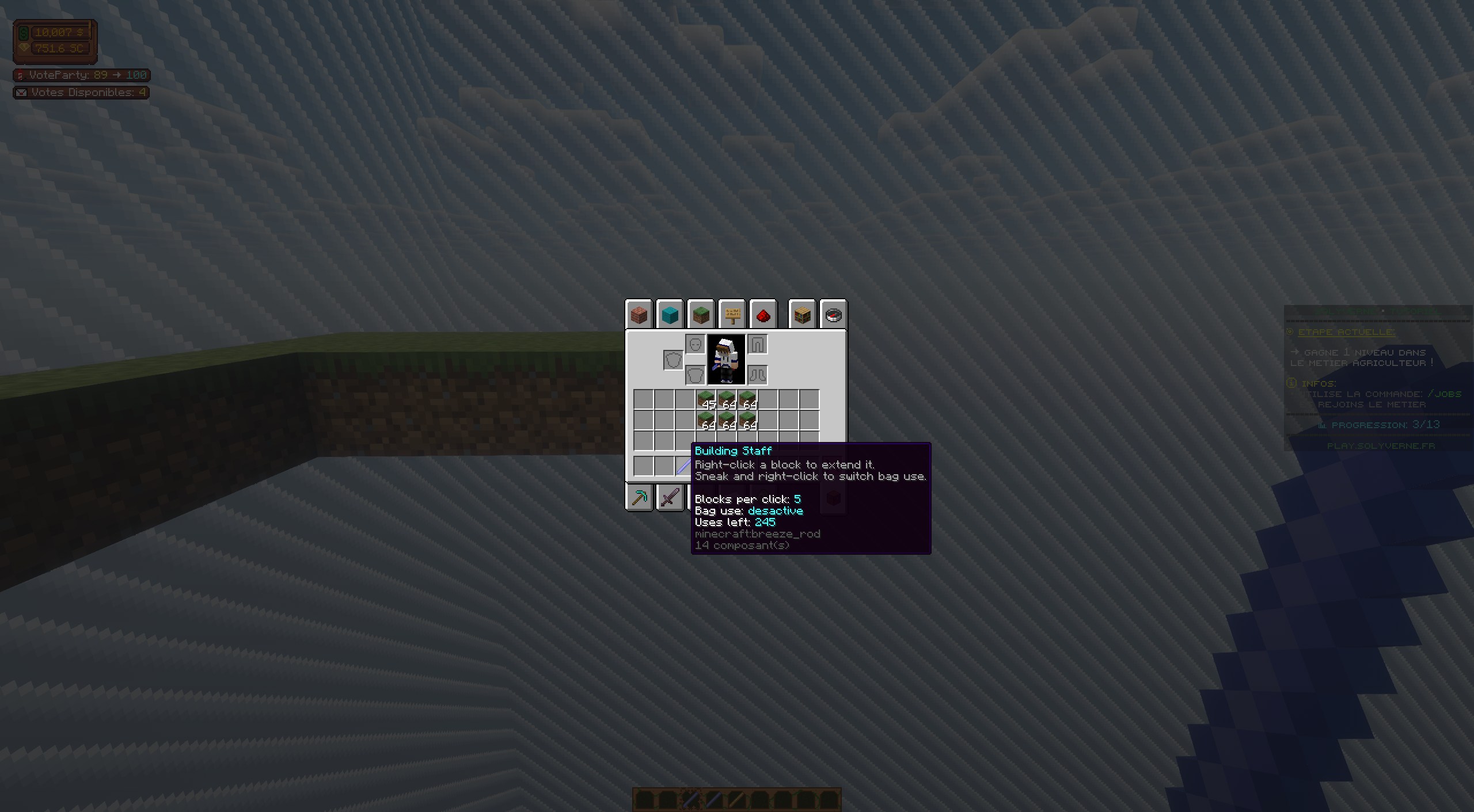
One right click, a whole line placed
There are two of them, and they differ only in where the blocks come from:
- Inventory mode takes the blocks off the player and places as many as they actually have
- Shop mode buys them at the shop's unit price instead, places as many as the player can pay for, and tells them how many went down
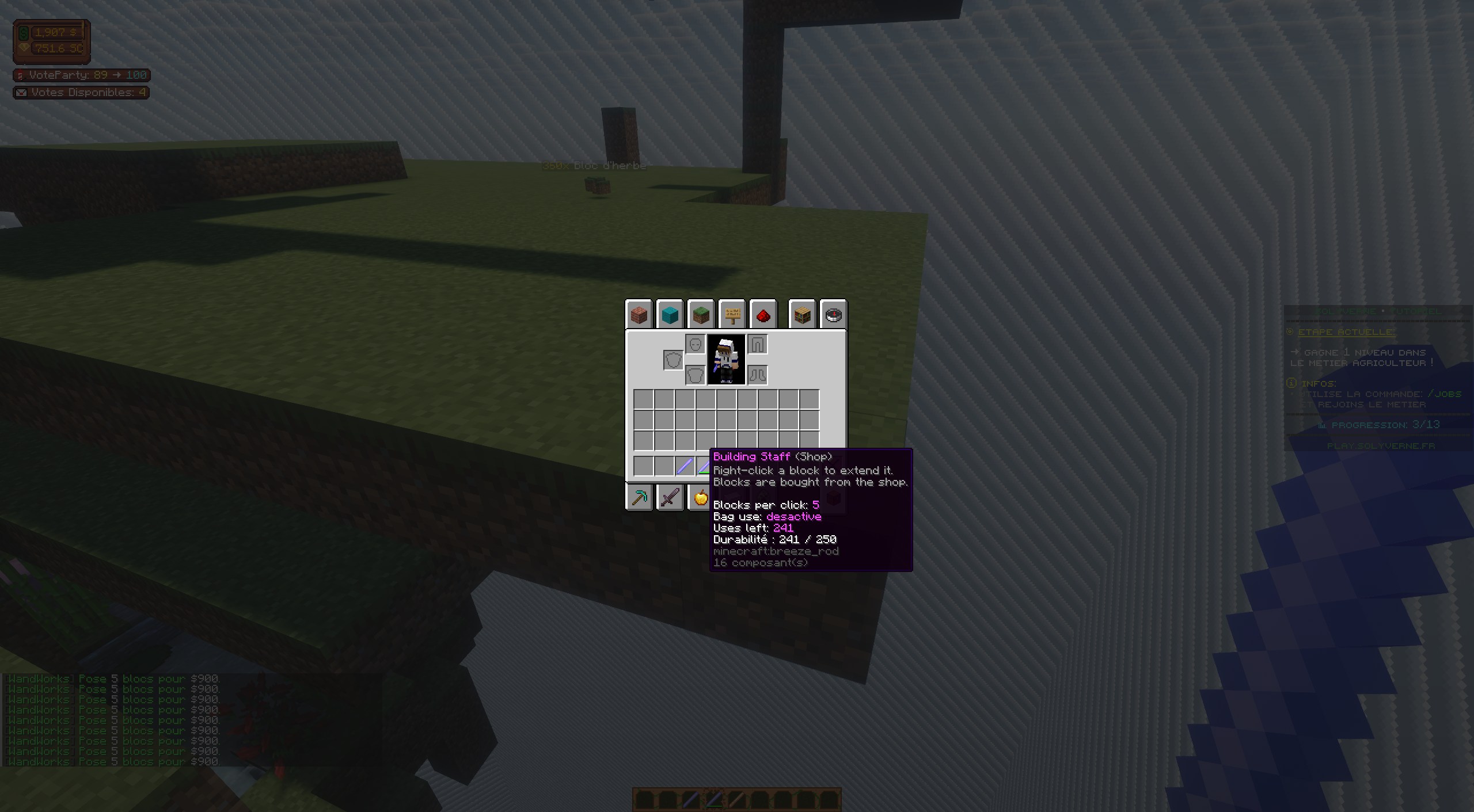
Shop mode, buying the blocks as it places them
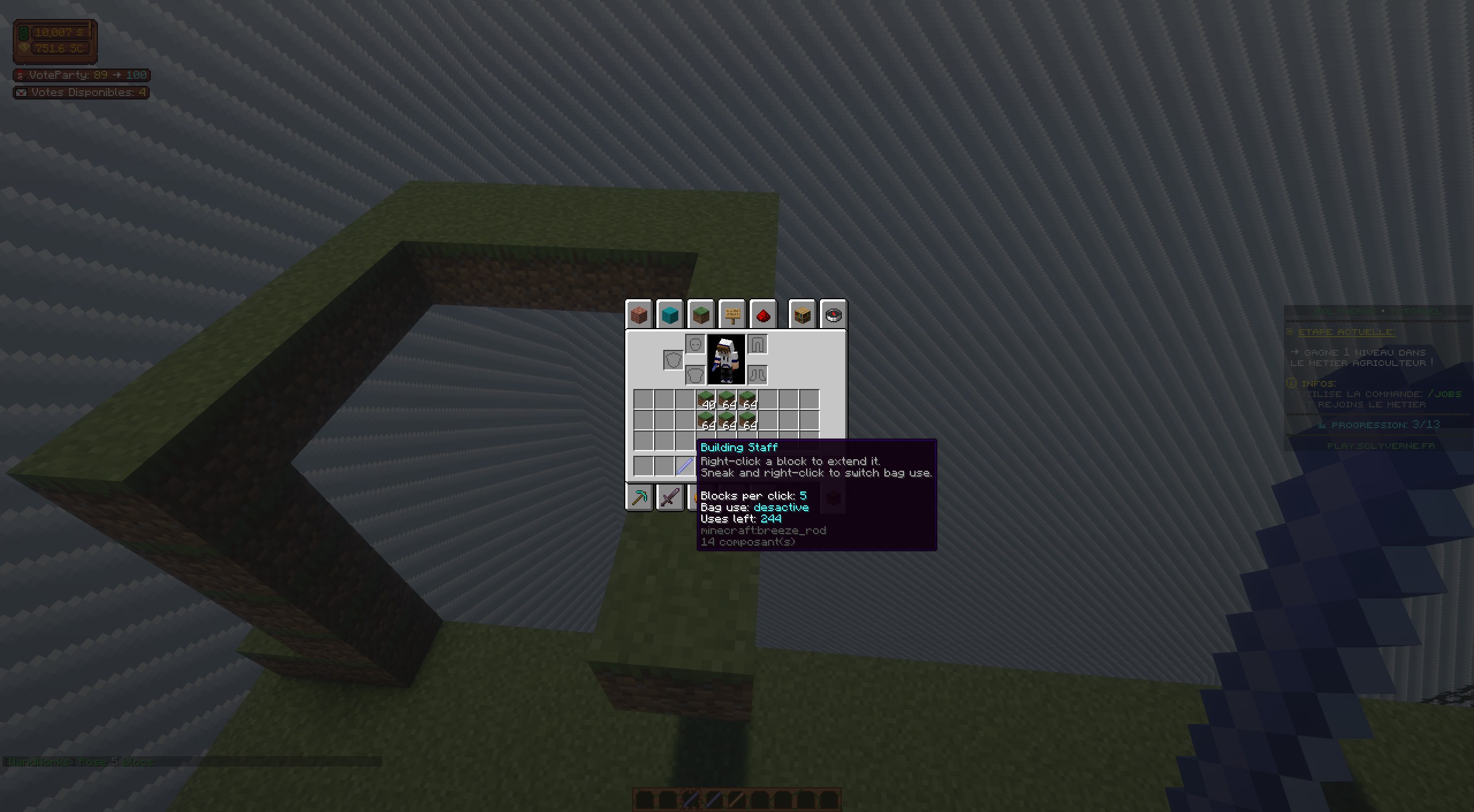
Bag mode, pulling blocks from the player's bag instead
Every single block fires a normal place event, so WorldGuard, Lands, GriefPrevention and the rest can cancel it. A blocked block is skipped and put back, and the rest of the line still goes down.
Bag mode is a sneak right-click in the air. The state is stored on the wand itself, shown in its lore, and remembered per player, so a fresh wand starts on whatever that player last chose.
✨ Wands You Define
Every wand is an entry in wands.yml, and you can add as many variants of each type as you want.
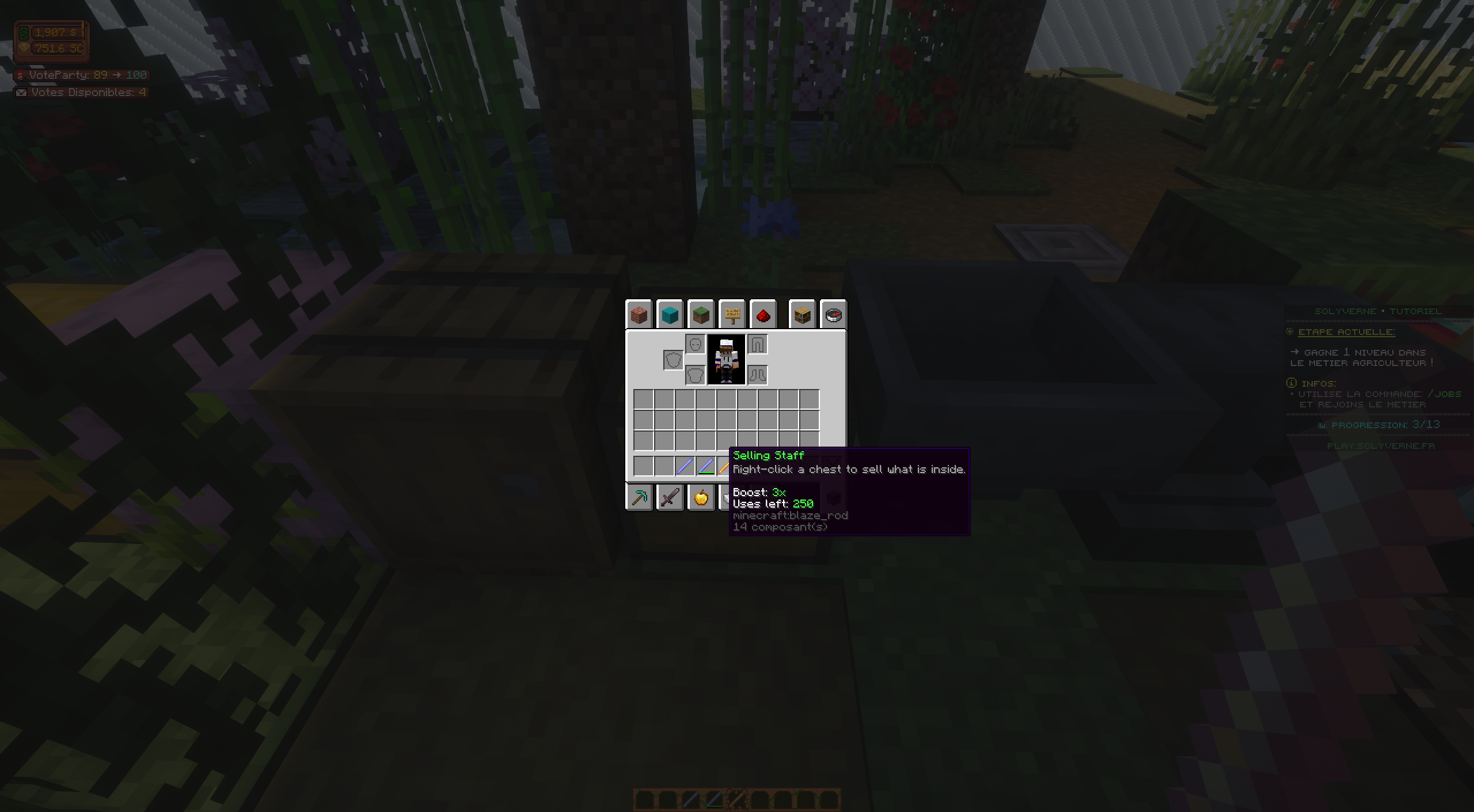
A sell wand showing its boost and the uses it has left
- Material, name, lore, model data, glow and an optional durability bar, all per wand
- Lore rows take the live values: uses left, the boost, the line length and the bag state
- Uses are taken per action, or per block on a builder wand if you prefer. At zero the wand either breaks with a sound and a message, or stays put and refuses to work
- Two wands of the same kind can hold different values, because the uses and bag state live on the item rather than in a file
- Vanilla tooltip noise can be hidden, so no stray attribute text on your wands
🏷 Prices From Your Own Shop
WandWorks does not keep its own price list unless you want it to. It reads prices from the shop plugin you already run, so an item is worth the same through a wand as it is through your shop.
Five shop plugins are read from, plus a bundled prices.yml as the fallback. One ordered list in the config decides which is asked first, and the first source with a price wins.
- Prices are looked up per player, so permission multipliers, discounts and dynamic pricing all carry through. Nothing is cached, for the same reason
- Grouped before asking. A chest of mixed items is one lookup per item type rather than one per slot, and a builder wand asks once for the whole line
- An unpriced item is never treated as free. It is simply left alone
- A shop plugin that changes its API cannot take WandWorks down. That one source drops out with a clear console line and everything else carries on
🌍 Three Languages Built In
English, French and Spanish all ship fully translated. Every player-facing string lives in a language file, console lines included, and each key that takes a placeholder has a comment above it saying what that placeholder is. An empty string switches a message off entirely.
Drop your own file into the lang folder and point the config at it to add another.
⌨️ Commands
/wandworks give <player> <wand> [amount]hand out a wand (alias: /wands)/wandworks listlist every wand you have defined/wandworks reloadreload the config, wands, prices and language files
Tab completion throughout. wandworks.admin covers the commands, and wandworks.bypass.island lets staff work outside an island.
📊 Stats and Storage
Money earned, items sold, blocks placed and money spent are tracked per player.
SQLite by default, with no setup at all, and MySQL if you would rather. All database work runs off the main thread: read at join, batched on a timer, and flushed on quit and shutdown.
⚙️ Config That Keeps Your Workconfig.yml, wands.yml and prices.yml are all versioned, so a later update merges new keys into files you have already edited. Every key carries a short comment explaining what it does.
🧪 Requirements
- Minecraft: 1.21 through 26.2, from one jar
- Server software: Spigot or Paper
- Java: 21 on the 1.21 line, 25 on 26.x, which is the server's own requirement
- Storage: SQLite out of the box, MySQL optional
- Dependencies: Vault and an economy plugin for anything that pays. Everything else is optional
📈 Metrics
This plugin sends anonymous usage stats to ArrowStats. You can opt out anytime in plugins/ArrowStats/config.yml.

💬 Support & Docs
Full setup and configuration guides are in the documentation. Have questions, found a bug, or want to suggest a feature? Join the Discord.
Statistics
Views
Purchases
Downloads
File size
Published
Updated
Info
Share & Earn
Share and earn part of the profits, an estimated €1.0 per product sale.
Product Image

Links