zResetMap | Scheduled World Resets 1.0.0
Schedule Nether, End, or custom world resets. Fresh seed each time, spawn build stays intact.

Schedule Nether, End, or custom world resets. Fresh seed each time, spawn build stays intact.
By @zArrowTan, part of Arrow Plugins.




📋 Overview
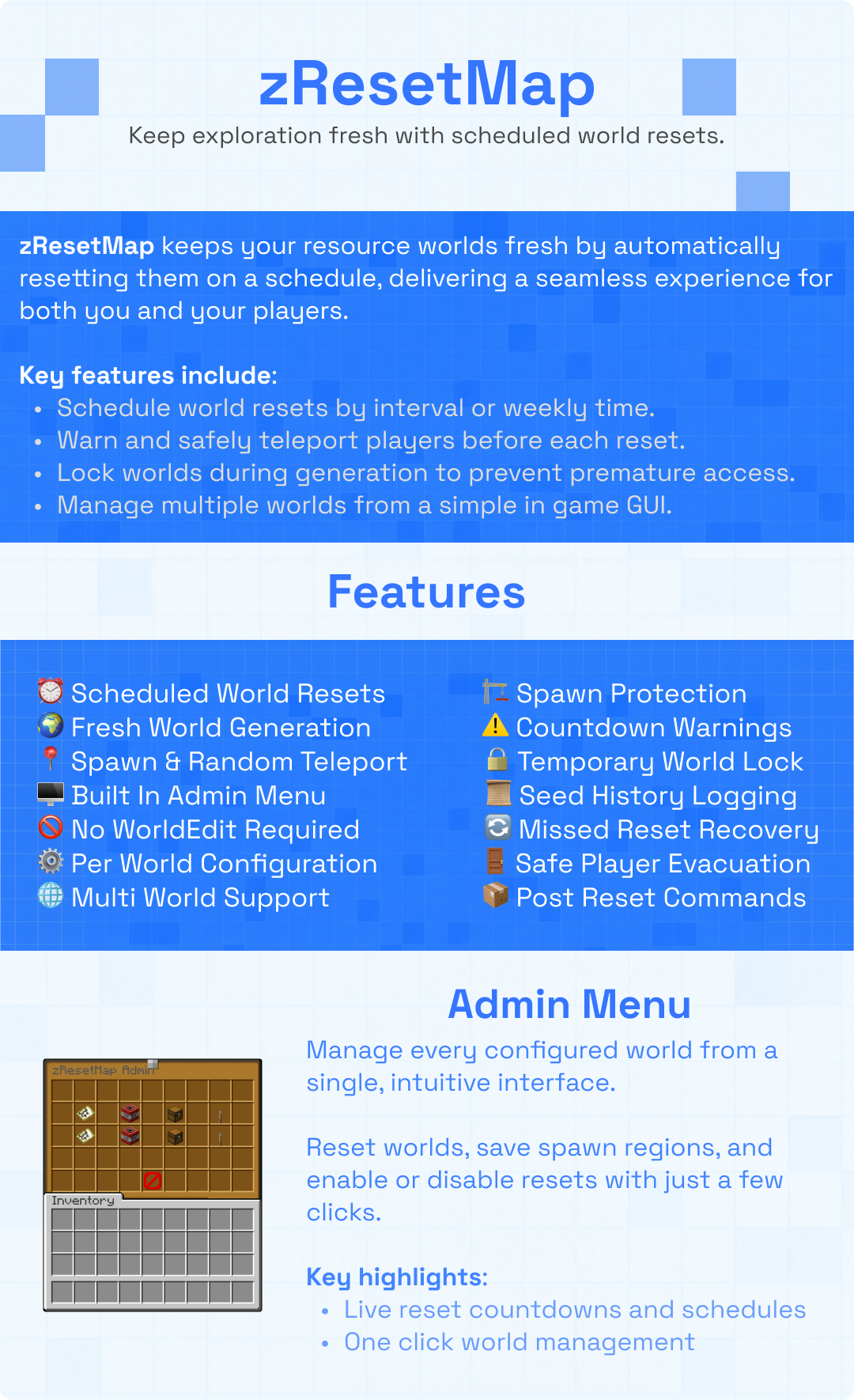
zResetMap automatically resets any world you configure on a schedule you set, the Nether, the End, or a custom world. Every reset regenerates the world with a brand new random seed, but the plugin saves and pastes back your spawn build first, so players always land in the same familiar spot on completely fresh terrain. Countdown broadcasts warn players ahead of time, and everyone inside the resetting world is teleported to a safe fallback before it happens. Manage everything from an admin GUI or from the command line.
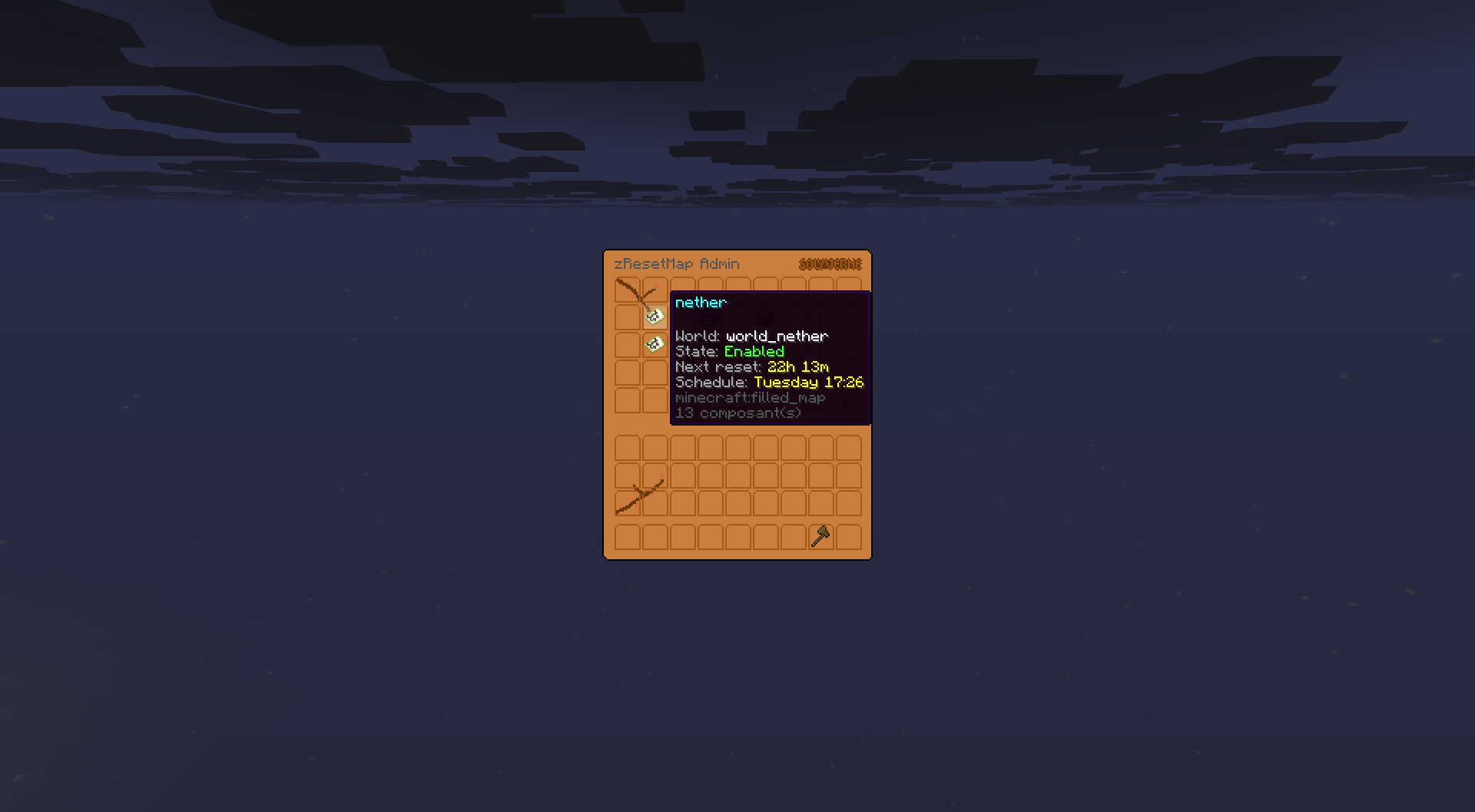
The Nether's reset panel, live countdown to the next reset
Screenshots use a custom resource pack (menu backgrounds appear in a yellow shade); the default look is standard vanilla items and inventory.
🌱 Fresh Seed, Familiar Spawn
The killer feature: every reset regenerates the world with a fresh random seed, but your spawn build survives. Save a region once, and the plugin restores it into the new world at the same coordinates every time.
- Save any region as your spawn: set two corners with
/zrm setspawncorner1and/zrm setspawncorner2, or manage it from the menu - No WorldEdit or FAWE needed: the schematic system is built in, one lightweight file per world
- Pastes back automatically: the moment the new world loads, your spawn build is there again, ready for players
- Optional per world: turn spawn preservation off and the world simply regenerates raw
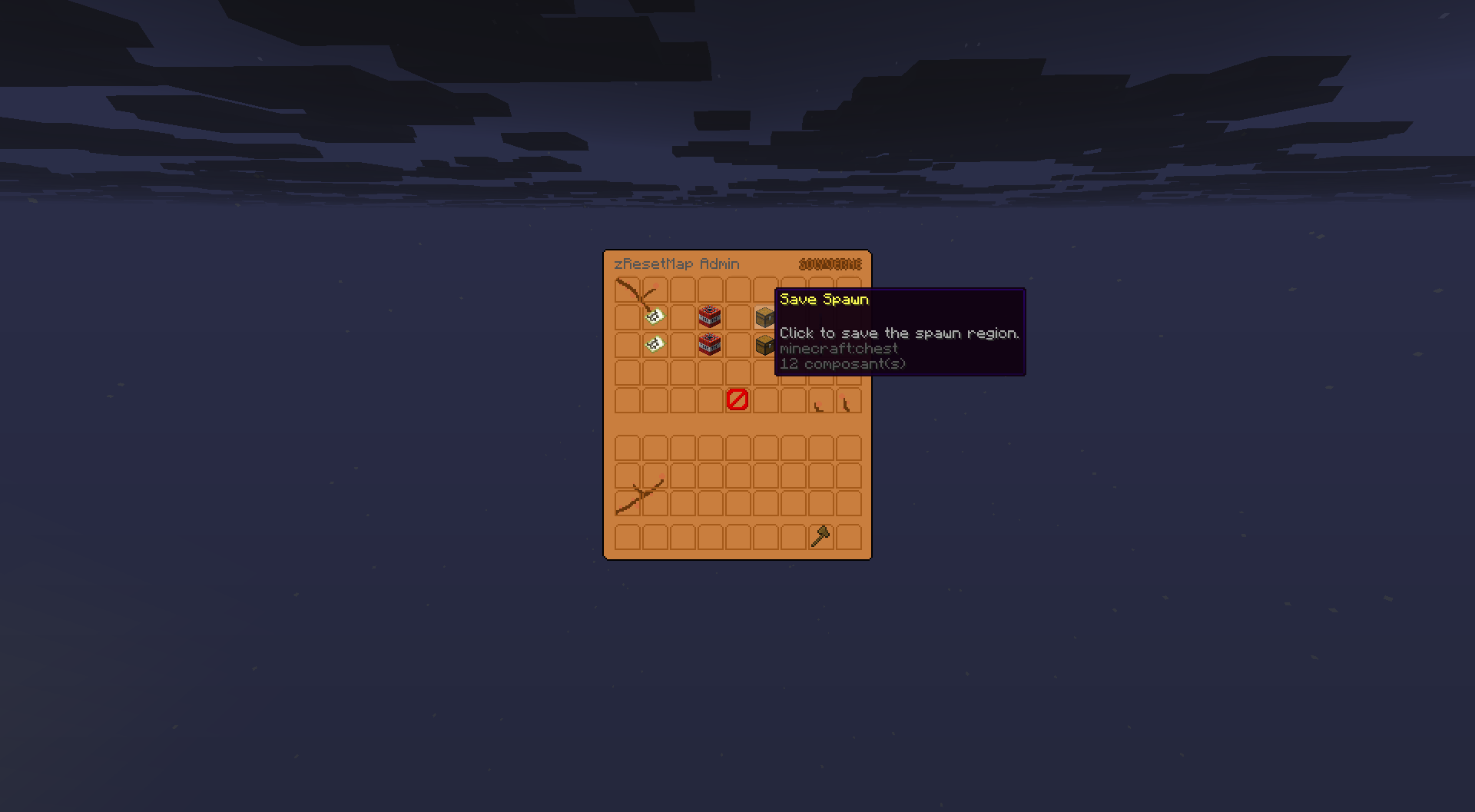
Save the spawn area, it'll be pasted back as the spawnpoint on the new random seed
⏰ Scheduled or Manual Resets
- Set the interval: pick how many days between resets, per world (a 3-day Nether, a weekly End, whatever fits)
- Auto-reset toggle: enable or disable auto resets for a world at any time without touching config
- Force a reset now: a one-click "Reset Now" button in the menu, or
/zrm reset <world> - Countdown warnings: broadcast reminders at every mark you configure (60 min, 30, 10, 5, 1, or whatever set you like)
- Missed-reset handling: if the server was offline when a reset was due, choose whether it runs immediately on startup, gets skipped, or waits a set number of minutes
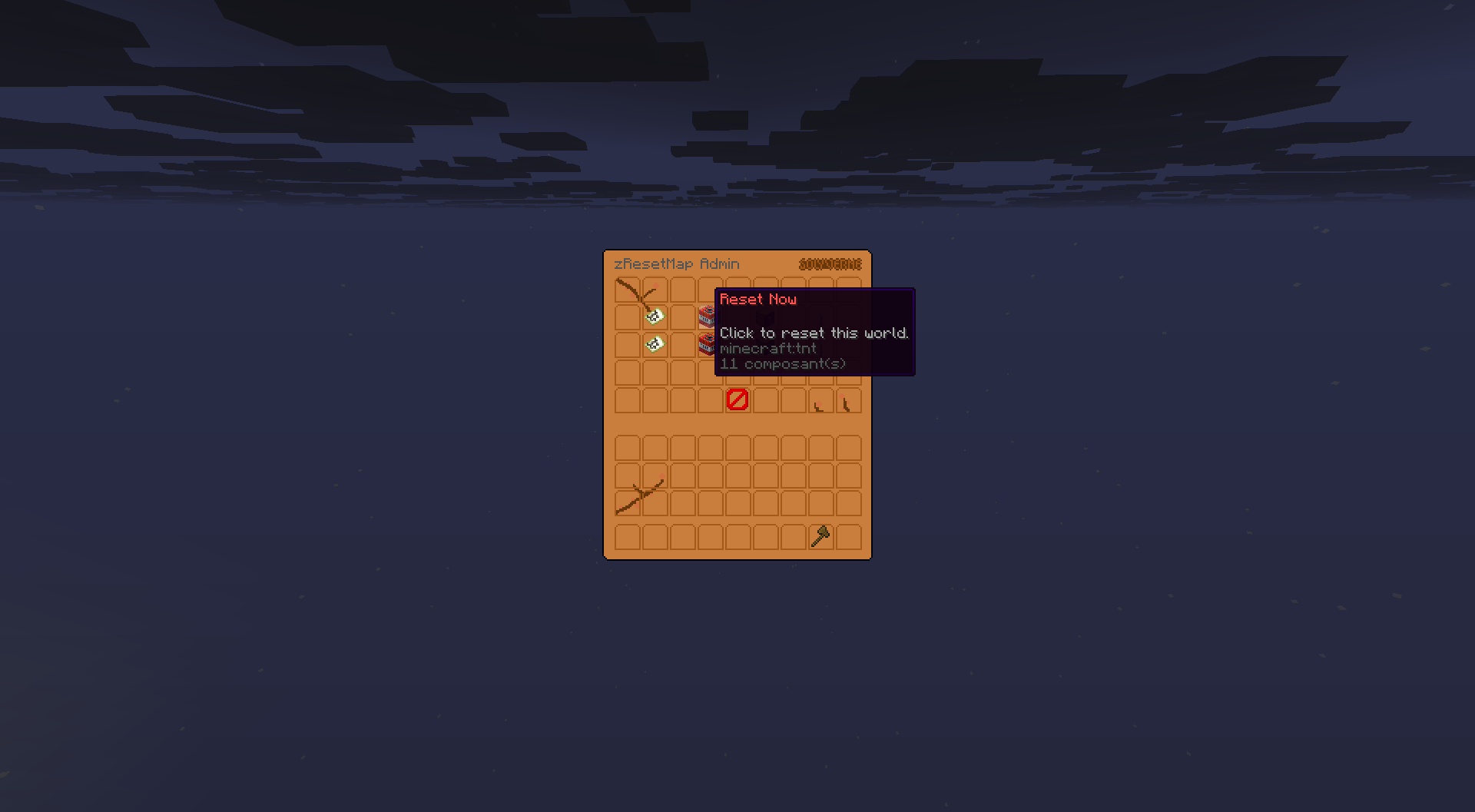
Force a reset instantly with one click
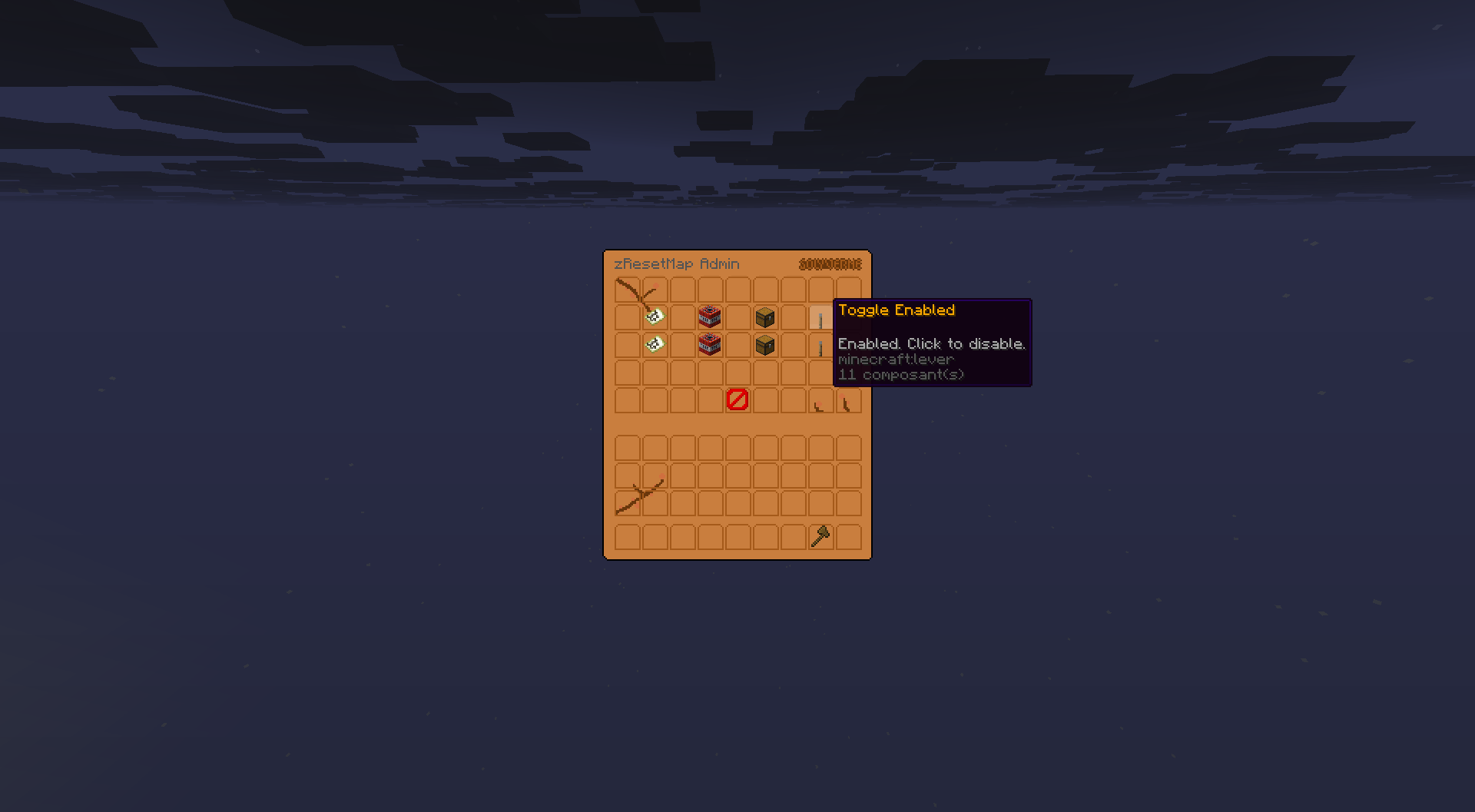
Toggle auto reset for any world
🛡 Player-Safe by Design
- Evacuation: every player in the resetting world is teleported to a configurable safe fallback location before anything happens
- No lost worlds: if the spawn save fails, the reset aborts before deleting anything, no destroyed world without its spawn
- Broadcast reach: countdowns can go to players near the resetting world only, or server-wide (recommended for Nether resets)
🖥 Admin Menu
Open the admin GUI with /zrm menu to see every configured world at a glance, with live countdowns and status. Click into any world to force a reset, toggle auto reset, or manage its spawn region.
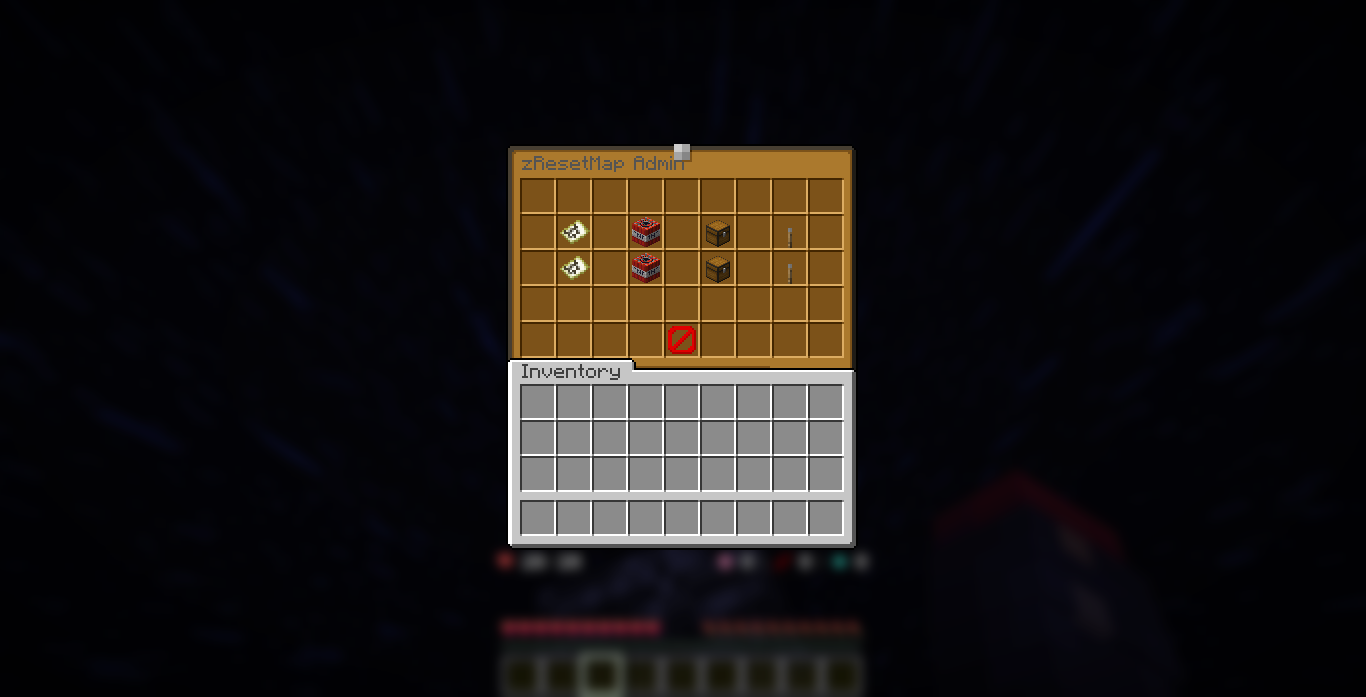
The admin menu, every managed world in one view
⌨️ Commands
Main command /zresetmap (alias /zrm). Permission zresetmap.admin.
/zrm menuopen the admin GUI/zrm status [world]show time until the next reset/zrm reset <world>trigger an immediate reset/zrm savespawn <world>save the current spawn region/zrm setspawncorner1 <world>set corner 1 to your current location/zrm setspawncorner2 <world>set corner 2 to your current location/zrm setinterval <world> <days>change the reset interval/zrm reloadreload config and language files
🎛 Fully Configurable
- Multi-world: add as many worlds as you like to
config.yml, each with its own interval, fallback, and spawn region - Auto-migrating config: new keys merge into your file on updates without touching your edits
- Full color support: hex, gradients, and named tags via a styles file, use short tags like
<info>instead of repeating color codes
🧪 Requirements
- Minecraft: 1.21 and newer
- Server software: Spigot or Paper
- Java: 21 or higher
- Languages: English, French, and Spanish bundled
- No required dependencies: runs on its own, no WorldEdit or FAWE needed for the spawn system
📈 Metrics
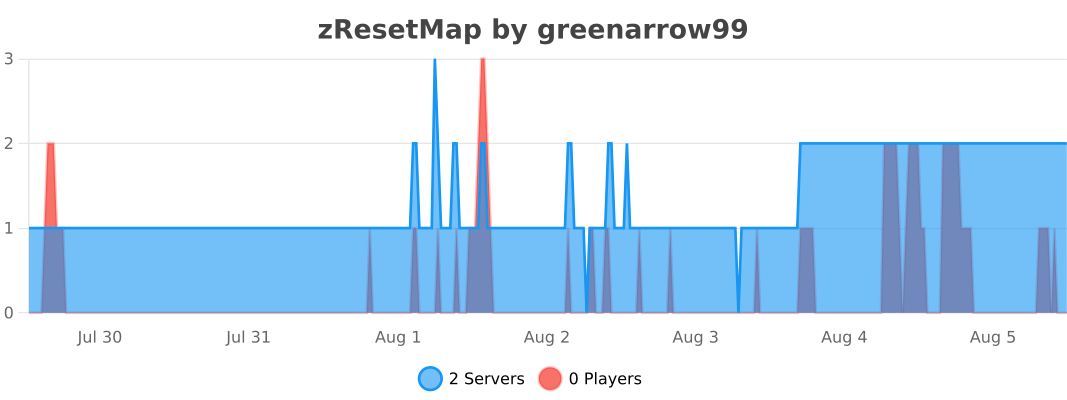
This plugin uses bStats to collect anonymous usage stats. You can opt out anytime in plugins/bStats/config.yml.
💬 Support & Docs
Full setup and configuration guides are in the documentation. Need help, found a bug, or want to suggest a feature? Join the Discord.
Statistics
Views
Purchases
Downloads
File size
Published
Updated
Info
Share & Earn
Share and earn part of the profits, an estimated €0.4 per product sale.
Product Image
Links