Homes
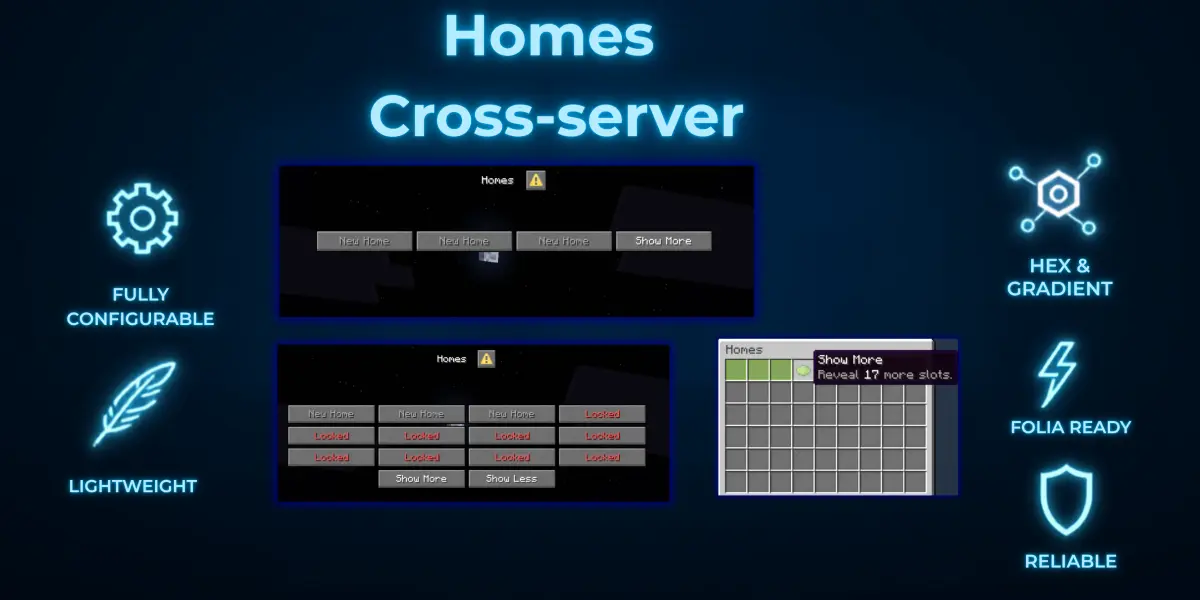
A homes plugin with a Dialog menu, a chest menu fallback for older clients, permission-based home slots, and cross-server support. Works on Paper and Folia.
A homes plugin with a Dialog menu, a chest menu fallback for older clients, permission-based home slots, and cross-server support. Works on Paper and Folia.
What it does
Commands
Homes can be typed by name, by name without spaces, or by slot number.
Permissions
Home slots come from
- Homes menu -
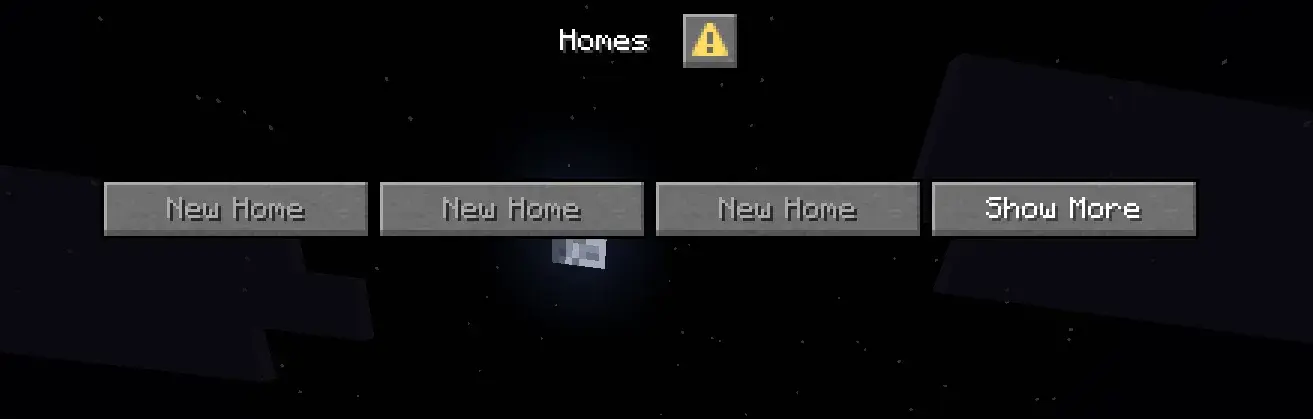
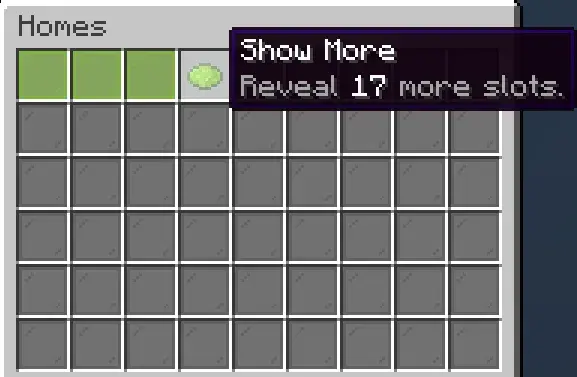
/homeopens your homes. Modern clients get Minecraft's native Dialog menu with real buttons and tooltips. Anyone on an older client through ViaVersion gets a chest menu instead, automatically. Both are built from the same layout, so switching clients does not change what players see. - Home slots - click an empty slot to save a home in that slot. Slots past a player's limit show as a red Locked button. Show More reveals the rest, in batches you choose.
- Per-home menu - click a home for Teleport, Change Icon, Rename and Delete.
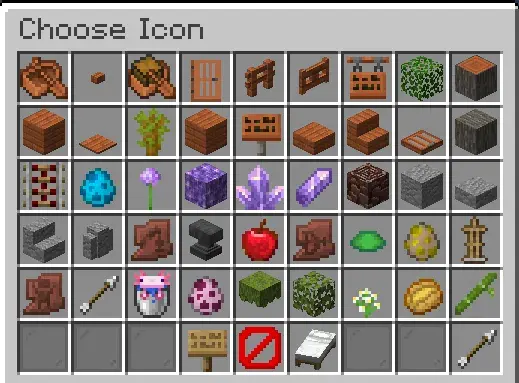
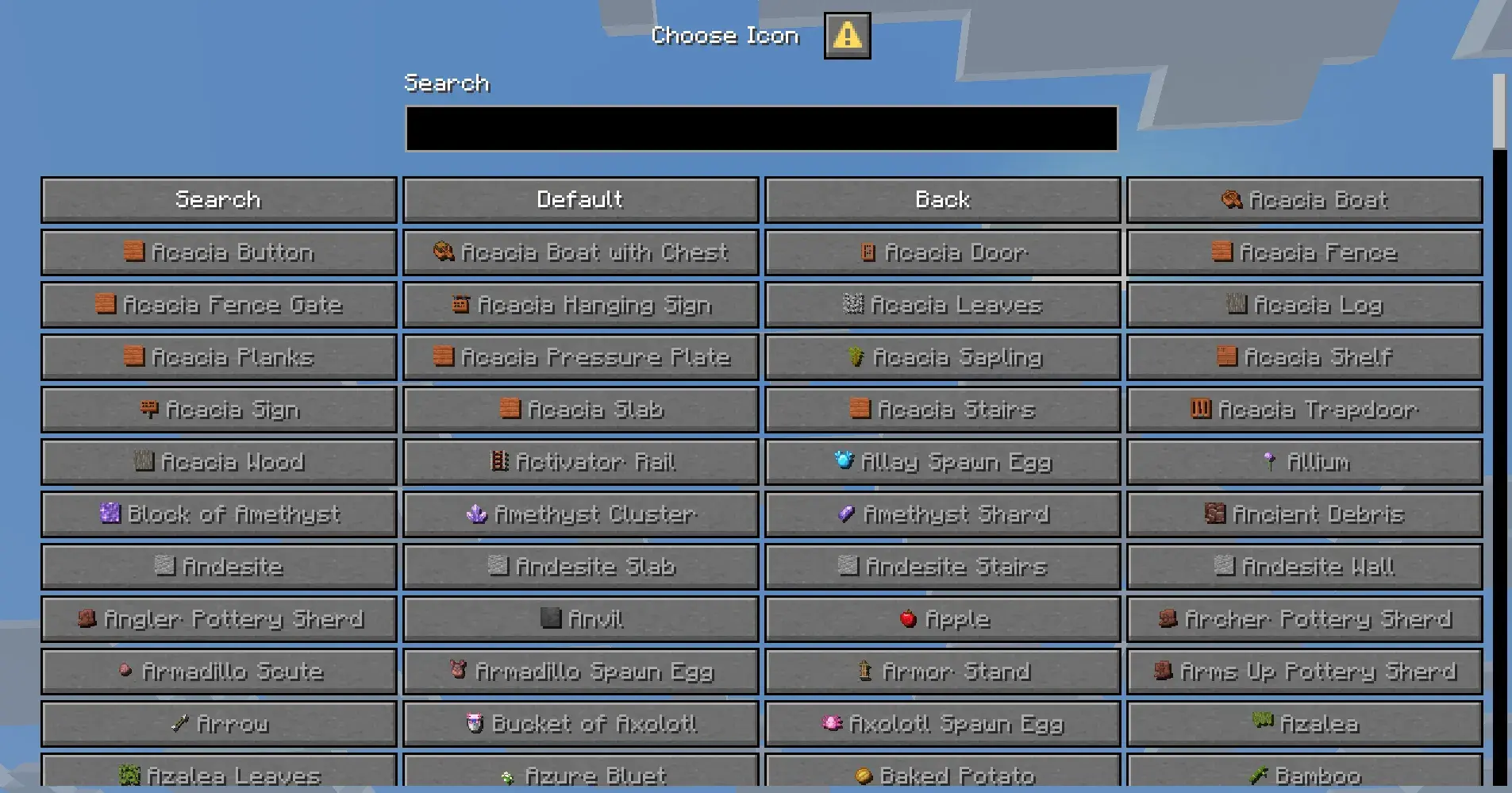
- Icons - every home's icon is any item in the game, chosen from a scrollable list with a search box. Ships with pages for 1500+ items so the buttons show item icons with no resource pack needed.
- Renaming with colours -
&codes,&#RRGGBBhex and gradients, all allowed in home names. - Teleport warmup - countdown with a sound each second, cancels if the player moves or takes damage. Optional cooldown, and with permissions it can bypass both.
- Cross-server - three modes: single-server, cross-server behind one proxy, or cross-proxy. Teleporting to a home on another server sends the player there and drops them at the right spot. Velocity plugin included.
- Disabled worlds - block
/sethomein whichever worlds you list. - Folia - one jar for both Paper and Folia. Teleport countdowns follow the player across regions.
Commands
| Command | What it does |
|---|---|
/home |
Open the homes menu |
/home <name> |
Teleport to a home |
/sethome |
Save a home in the next free slot |
/sethome <name> |
Save a home with your own name |
/delhome <name> |
Delete a home |
/renamehome <name> <new name> |
Rename a home |
/homes reload |
Reload the config (staff) |
/homes icontest |
Check icon rendering (staff) |
Homes can be typed by name, by name without spaces, or by slot number.
Permissions
Home slots come from
homes.limit.<number> - the highest one a player has wins, otherwise they get the default from the config. Everything else players need is on by default: /home, /sethome, /delhome, /renamehome, changing icons and using colours. Staff nodes are homes.admin for reload, homes.limit.* for the maximum, and homes.bypass.warmup / homes.bypass.cooldown to skip the wait.Config
Every message can be changed, and you choose whether each one shows in chat, on the action bar, both or not at all. Messages support
Good to know
Every message can be changed, and you choose whether each one shows in chat, on the action bar, both or not at all. Messages support
& colours, &#RRGGBB hex and gradients. Every button label, tooltip, menu item and sound is configurable, as are the number of home slots, how many show before Show More, and the size of the menu. Storage is SQLite by default, with MySQL, MariaDB and MongoDB also supported, plus Redis for networked setups.Good to know
- Item icons inside Dialog buttons need a 1.21.9+ client. On 1.21.7 and 1.21.8 the menu works the same with text labels.
- About 100 items (chests, player heads, decorated pots) have no flat texture and show no icon. Minecraft cannot draw item models inside a Dialog button. The chest menu shows real items if you prefer that for picking icons.
- SQLite cannot be shared between servers. Use MySQL, MariaDB or MongoDB for networked setups - the plugin tells you at startup if the combination will not work.
- Cross-proxy moves players with the vanilla Transfer packet, so clients need 1.20.5+.
Product Info
Statistics
66
Views
0
Purchases
0
Downloads
27.11 MB
File size
31.07.2026
Published
31.07.2026
Updated
Info
Server type
Supported Versions
1.21.7 - 26.2
Share & Earn
Share and earn part of the profits, an estimated €0.5 per product sale.
Product Image