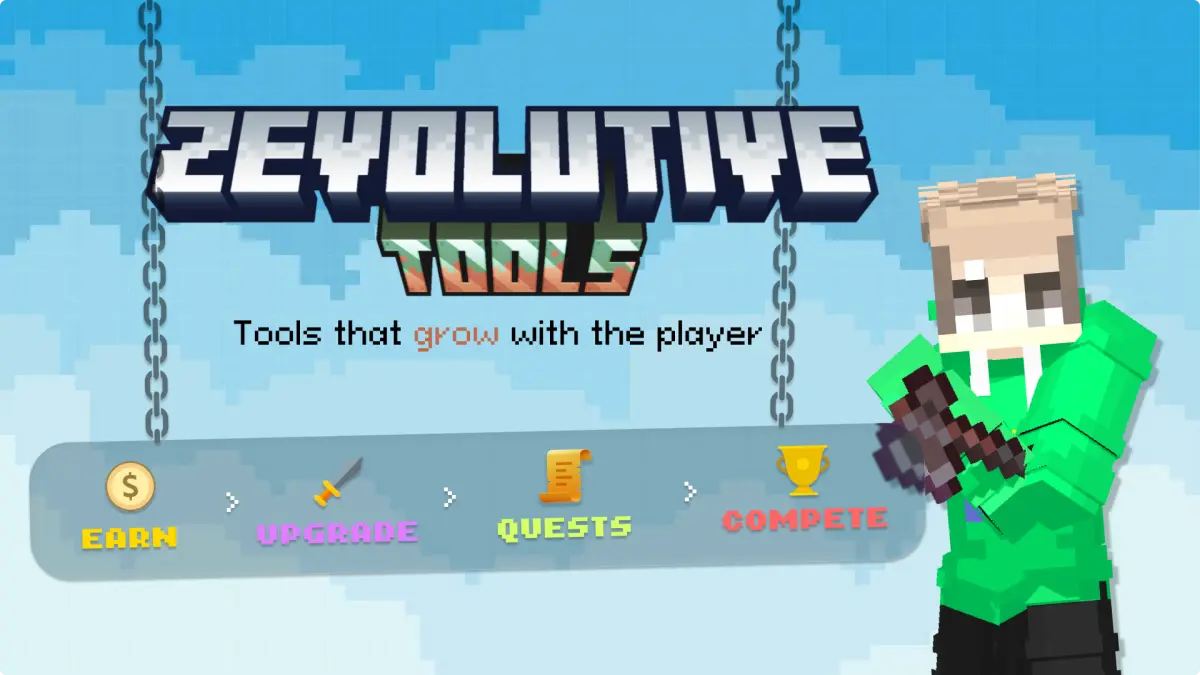
zEvolutiveTools | Tools That Evolve 1.4.0
Every tool earns currency to unlock enchants, effects, and quests, all saved on the item.
A tool that changes shape as you use it, custom skins and images throughout, and configs that never delete what you wrote.
📝 Read This First
Your config files no longer lose your edits. Anything missing is filled in on the next start, and anything you wrote or changed is left alone. That applies to enchants, currency lists, multi-tool shapes, styles and quests alike.
Two things that were being eaten before are now safe: quests you added yourself, which used to be deleted on every reload, and your styles.yml colour lines, where switching a token from a gradient to a solid had its color: line removed, leaving raw tag text in your menu titles.
If you deleted something on purpose and want it to stay gone, set sync.restore-missing-defaults: false.
🔨 The Multi-Tool
One tool that becomes whatever the job needs. Break dirt and it is a shovel, chop a log and it is an axe, mine stone and it is a pickaxe, hit a mob and it is a sword. Same tool throughout, with the same balance, upgrades and quests carrying across every shape.
It picks its shape the moment a player starts hitting a block rather than after the block is gone, so breaking dirt and then the stone underneath mines that stone as a pickaxe. morph-on sets when it changes: start, break, or both.
- Each shape sets the item it becomes, the blocks it handles, and the enchants it always carries
- Blocks are matched with
*as a wildcard, so"*_LOG"covers every log. The first shape that matches wins, and the last one catches everything left over default-formdecides what a brand new tool looks like before a player has broken anythingunbreakable: truekeeps it from ever breaking, or set adurabilityand let it wear down
There is a stripped-back version too. The fixed multi-tool changes shape the same way but does nothing else: no menu, no balance, no upgrades, no quests, with every enchant written in the file per shape. You can turn any tool into a fixed one with fixed: true in its file.
🎨 Custom Skins, Per Shape
Any tool can wear a custom item's texture from ItemsAdder or Oraxen, and each multi-tool shape can have its own. A ruby pickaxe that becomes a ruby shovel, then a ruby axe.
pickaxe:
  material: NETHERITE_PICKAXE
  custom-item-provider: "itemsadder"
  custom-item-id: "mypack:ruby_pickaxe"
custom-model- -1- Only the picture is taken. The name, lore, balance, upgrades and quests all stay exactly as they were, it is still one tool
- A shape you leave empty keeps the tool's normal look, so nothing is forced on you
- Using a resource pack instead?
custom-model-datadoes the same job:-1keeps the tool's own model data,0means none, anything else is the model you want
Two skin problems are fixed along with it: a skinned shape no longer leaves its texture behind on the next shape, and changing a skin now shows on tools players are already holding after a reload, instead of waiting for the tool to change shape.
🖼 Images in Your Text
Write an image name between two colons and it renders as the picture from your pack, everywhere the plugin writes text: the tool name, every lore line, menu titles and buttons, chat messages, and your language files.
lore:
  - "<gray>Shift + :right_click: to open the menu"
Oraxen glyphs work the same way with the glyph name. Write a name your pack does not have and the text stays exactly as you typed it, nothing breaks. Turn it off with display.font-images: false if you would rather the colons were left alone.
🛡 Tool Protection
- No vanilla enchanting on top of yours. Tools cannot be put in an anvil, an enchanting table, a grindstone, a smithing table, or a crafting grid, so no books, no combining two tools, and no table enchants stacked over the ones players bought. Each has its own switch
- Dropping a tool takes two presses. The first keeps the tool and warns the player, and a second within five seconds actually drops it. The window is configurable, or turn it off entirely
💬 Text and Colour
Text updates without re-equipping. A reload rewrites the name and lore on every tool players are holding, so a wording or colour change shows up straight away. Switch it off with display.refresh-on-reload.
More ways to colour. Everything you already wrote keeps working, and you now also have #{RRGGBB} and <#RRGGBB> hex, gradients, and 125 extra named colours (&t7 is coral, &u1 is cyan).
One small change: the number in a rainbow tag is now an id rather than a saturation level.
🎲 Drop Boost TuningITEM_DROP_BOOST now takes a secondary-chance, a second roll behind the first, so a tool at 100% can be tuned down to paying out about every other block. Set it to 1.0 for no change from before.
📋 Version Breakdown
| Version | Focus |
1.4.0 |
A custom skin per multi-tool shape, a configurable starting shape, and fixes for skins bleeding between shapes and not updating on reload. |
1.3.0 |
Pack images inside any text the plugin writes, using the image name between colons. |
1.2.0 |
The fixed multi-tool, custom item skins, earlier shape switching, tool protection against anvils and enchanting tables, a drop confirmation, and configs that stop deleting your edits. |
1.1.0 |
The multi-tool itself, plus fixes for quests and colour tokens being wiped on reload and a tuning knob for the drop boost. |
📦 Install
Stop the server, replace the old jar in plugins/, and start it again. Nothing to delete by hand, the new keys are added to your files for you.
Join the Discord
Enjoying the plugin? A ⭐ review goes a long way!
 0
0
Enchant names now stick on reload, and every vanilla enchant ships pre-translated in all 10 languages.
✨ What's New
Every vanilla enchant now ships with a built-in name in all 10 languages, so you no longer have to type them in by hand. Smite, Fire Aspect, Sweeping Edge, Bane of Arthropods, and the rest all show translated out of the box. This is also the first official release, the version is now 1.0.1 and up, instead of 1.0.0-x.
🔧 Fixed
Enchant names you add to enchant-names in your language file used to get wiped on reload, so an added enchant showed in English (for example Fire Aspect instead of Aura de feu). They stay now.
📥 What To Do
- Drop in the new jar and restart.
- To pull the full built-in list into an existing server (French example): open
lang/fr_fr.yml, delete the wholeenchant-names:block, then run/et reload. The plugin writes the complete French list back in. (A brand new server already has it.) - Prefer to keep your file as is? Add a line under
enchant-namesfor any enchant you use, likeFIRE_ASPECT: "Aura de feu". Those stick too.
⚠️ Heads Up- An enchant with no line in
enchant-namesstill falls back to a plain English name (FIRE_ASPECTbecomes "Fire Aspect"). Every vanilla one now has a line, so this only happens for custom or modded enchants. - Use real MC enchant keys (
SHARPNESS,SMITE,LOOTING,FIRE_ASPECT,SWEEPING_EDGE,BANE_OF_ARTHROPODS...).
📋 Version BreakdownVersion Focus 1.0.2Every vanilla enchant ships pre-translated in all 10 languages, no manual entry needed. 1.0.1First official release. Added enchant names now stick on reload instead of being wiped.
Earn. Upgrade. Evolve.
Need help or found a bug? Join the Discord.
Read the documentation | Join the Discord
Enjoying the plugin? A ⭐ review goes a long way! - An enchant with no line in
0
Custom enchants now persist on reload
🔧 Fixed
Custom enchants added to a tool file were getting wiped on reload, so only the built-in ones (like Sharpness and Looting) showed up. Enchants you add to a tool now stay put, and appear in the menu and lore.
📥 What To Do
- Drop in the new jar and restart.
- Re-add your enchants to
sword.yml(they were already wiped from the file), then run/et reload. They'll stick now and show in the menu and lore.
⚠️ Heads Up- Use real enchant names only (Sharpness, Smite, Looting, Fire_Aspect, Sweeping_Edge, and so on). A made-up name will show in the menu but won't actually do anything.
- Check your
cost-curvevalues. It's one number per level, the price for that level. Make sure they're set to real prices (low values like 6 to 9 mean those levels cost almost nothing).
0
Statistics
Views
Purchases
Downloads
File size
Published
Updated
Info
Share & Earn
Share and earn part of the profits, an estimated €0.8 per product sale.
Product Image
Links