zArrowChat | Modern Chat Suite 1.0.1
A modern chat suite: MiniMessage formatting, word filter, @mentions, and inventory previews.

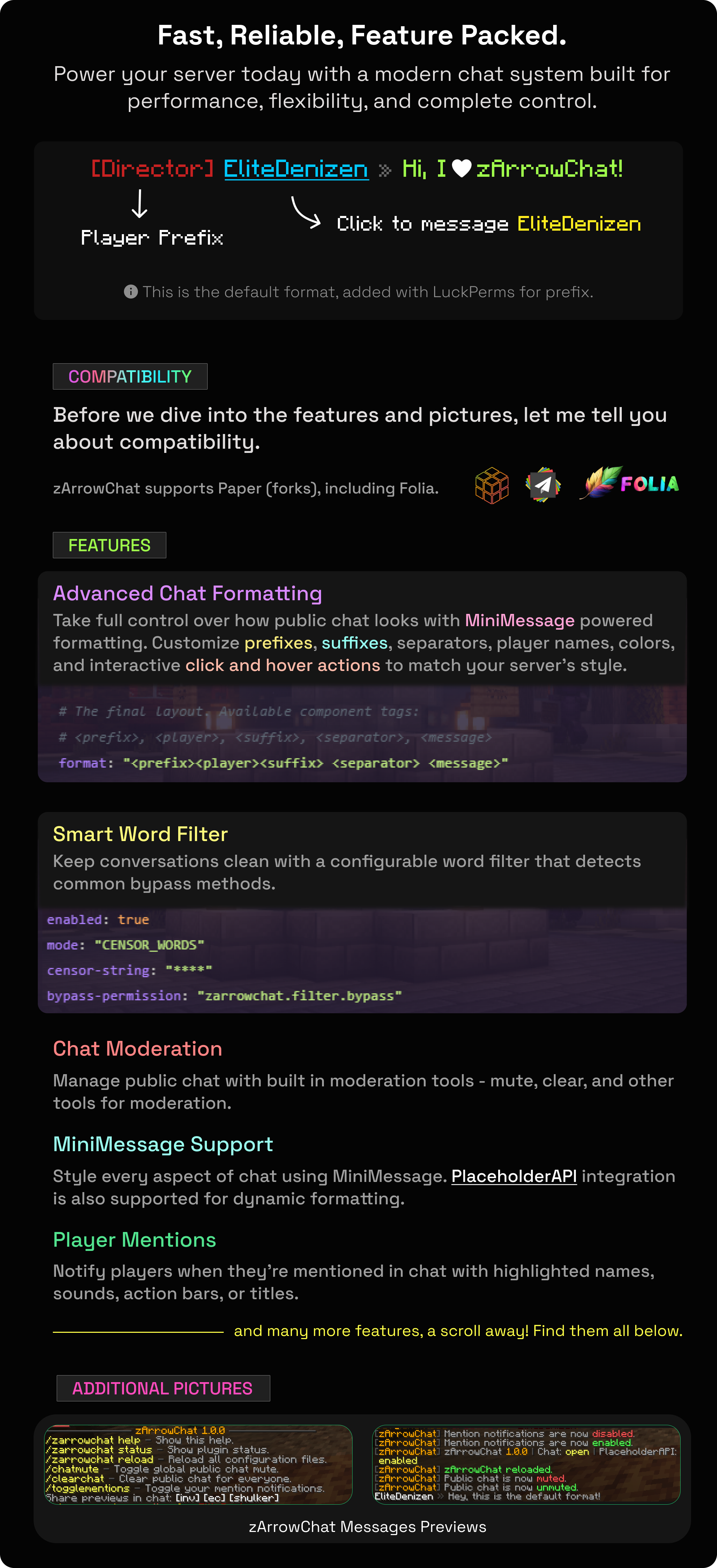
MiniMessage chat formatting, a word filter, @mentions, and in-chat inventory previews.
By @zArrowTan, part of Arrow Plugins.
📋 Overview
zArrowChat is a complete public-chat plugin for modern servers. Format chat with MiniMessage, filter unwanted words, let players @mention each other, and share inventories right in chat with read-only previews. It's built for Paper and Folia on 1.21+, with PlaceholderAPI support throughout and no required dependencies.
🎨 Chat Formatting
- Full MiniMessage formatting: style your chat format with prefix, suffix, and separator, all the modern color and gradient support MiniMessage offers
- Clickable, hoverable names: the player name in chat can run a command on click and show custom hover text
- PlaceholderAPI throughout: use placeholders across your formats and messages (resolved when PlaceholderAPI is installed)
🛡 Word Filter
- Two modes: censor matched words, or block the whole message
- Hard to dodge: matching is leetspeak and punctuation aware, so players can't slip words past it with simple tricks
- Bypass permission: trusted ranks can be exempted with
zarrowchat.filter.bypass
🔔 @Mentions
Players can @mention each other in chat, with the mentioned player getting a notification that's fully configurable.
- Notify by sound, actionbar, and an optional title
- The mentioned name is highlighted in the message
- Per-player opt-out with
/togglementions, plus a cooldown so mentions can't be spammed
📦 In-Chat Share Previews
Players can show off their gear right in chat. Drop a share token into a message and it becomes a clickable, read-only preview GUI that anyone can open.
- Inventory:
[inv]or[inventory] - Ender chest:
[ec]or[enderchest] - Held shulker:
[shulker]or[box]
Previews are read-only (no one can edit what's shown) and auto-expire after a configurable time. Each share type has its own permission.
🧹 Chat Moderation Tools
- Global mute:
/chatmutesilences public chat, with a bypass permission for staff - Clear chat:
/clearchatwipes the chat for everyone, with its own bypass permission
⌨️ Commands
/zarrowchat [help|status|reload](alias/xchat) admin help, status, and reload/chatmutetoggle global chat mute/clearchatclear the chat for everyone/togglementionsopt in or out of mention notifications
🔐 Permissions
All nodes use the zarrowchat.* prefix.
zarrowchat.adminadmin command access (op)zarrowchat.chatsend chat messages (default: true)zarrowchat.chatmute/.chatmute.bypassuse mute / talk through itzarrowchat.clearchat/.clearchat.bypassuse clear / keep your viewzarrowchat.filter.bypassskip the word filterzarrowchat.mentions.toggle/.mentions.notifyopt out / receive mentions (true)zarrowchat.inventoryshare/.enderchestshare/.shulkershareshare each preview type (true)
🎛 Fully Configurable
- Six config files split by feature: chat format, messages, the word filter, mentions, share GUIs, and the name hover text
- Every player-facing string is editable
/zarrowchat reloadreloads everything without a restart
🧪 Requirements
- Minecraft: 1.21 and newer
- Server software: Paper or Folia
- Java: 21 or higher
- Optional: PlaceholderAPI (placeholders resolve when installed)
💬 Support & Docs
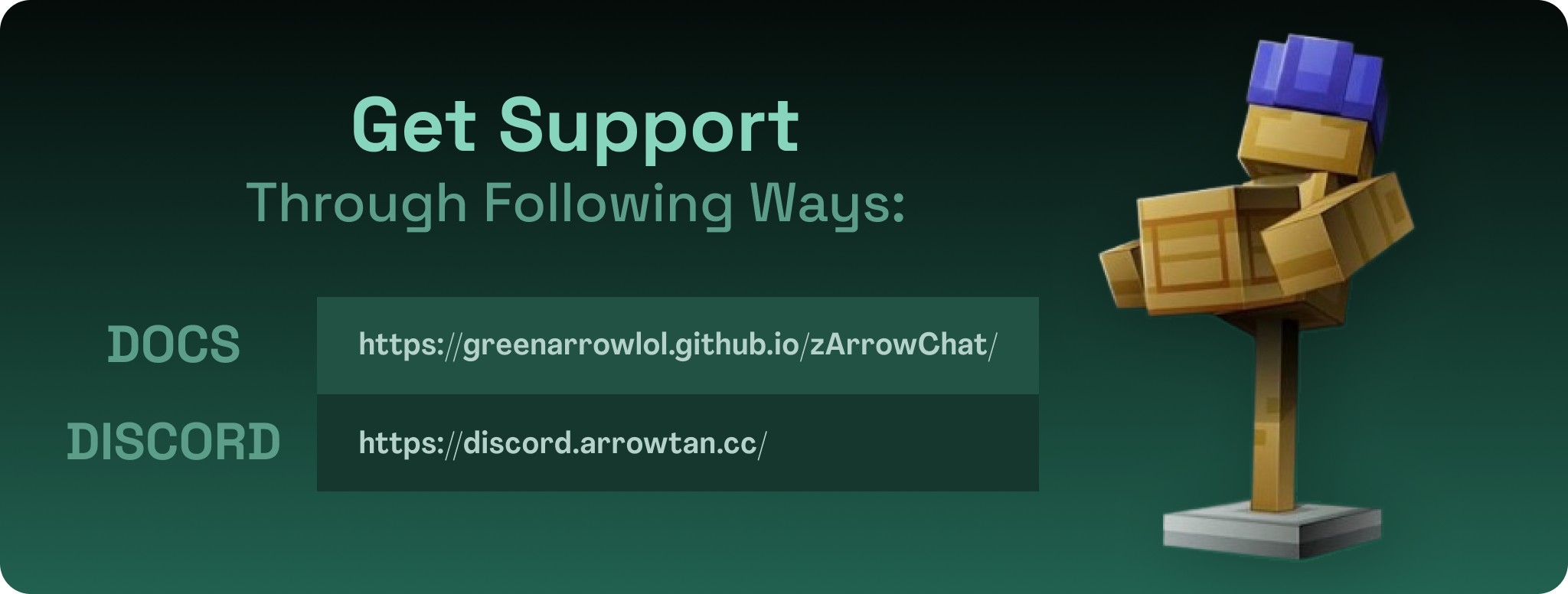
Full setup and configuration guides are in the documentation. Need help, found a bug, or want to suggest a feature? Join the Discord.
Statistics
Views
Purchases
Downloads
File size
Published
Updated
Info
Share & Earn
Share and earn part of the profits, an estimated €0.4 per product sale.
Product Image

Links