AT-MailBox | Never Lose Items Again v1.4.0
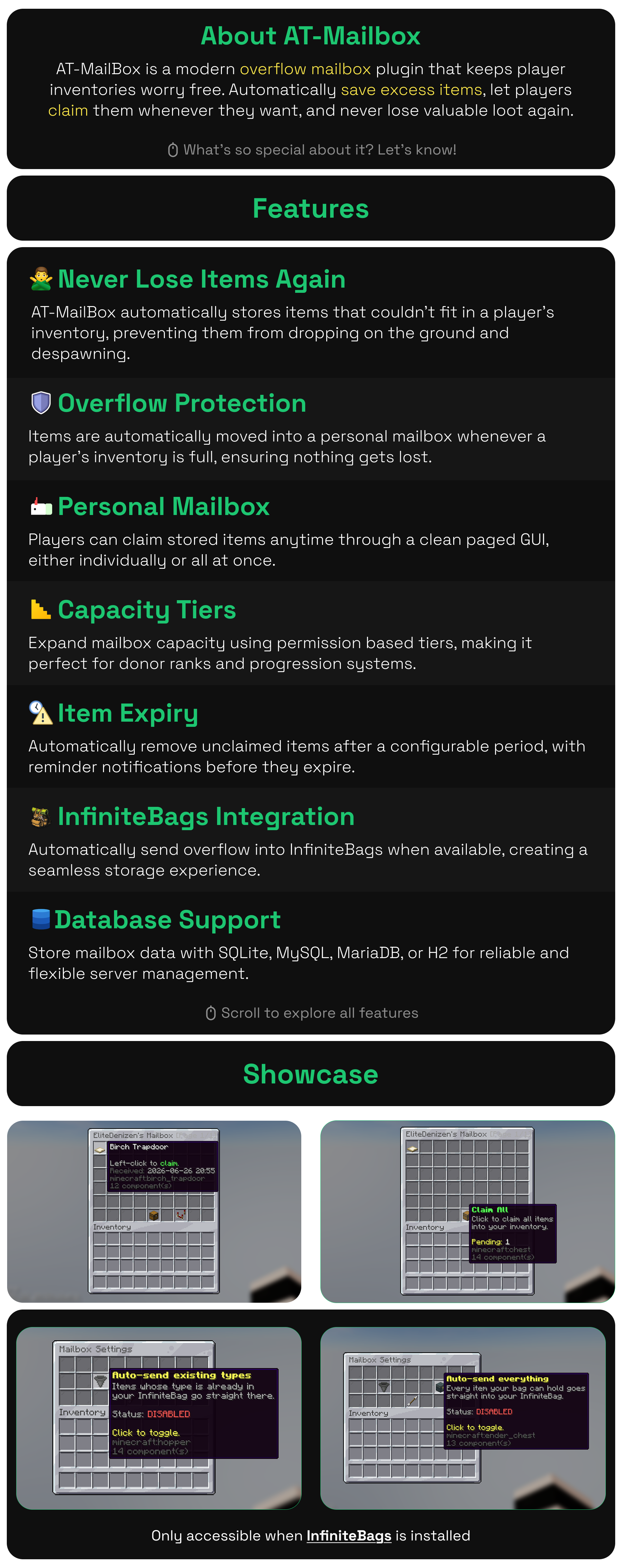
When a player's inventory is full, the overflow goes to a mailbox to claim later through a GUI.




When a player's inventory is full, the overflow goes to a mailbox to claim later through a GUI.
By @zArrowTan, part of Arrow Plugins.
📋 Overview
Players lose items all the time. Their inventory fills up mid-grind, the next pickup spills onto the ground, and it's gone before they notice. AT-MailBox catches that overflow. When a player picks up an item with no room left, it goes into their personal mailbox instead, saved in your server database and claimed later through a clean paginated GUI. No more lost drops, no more "the server ate my items" tickets.
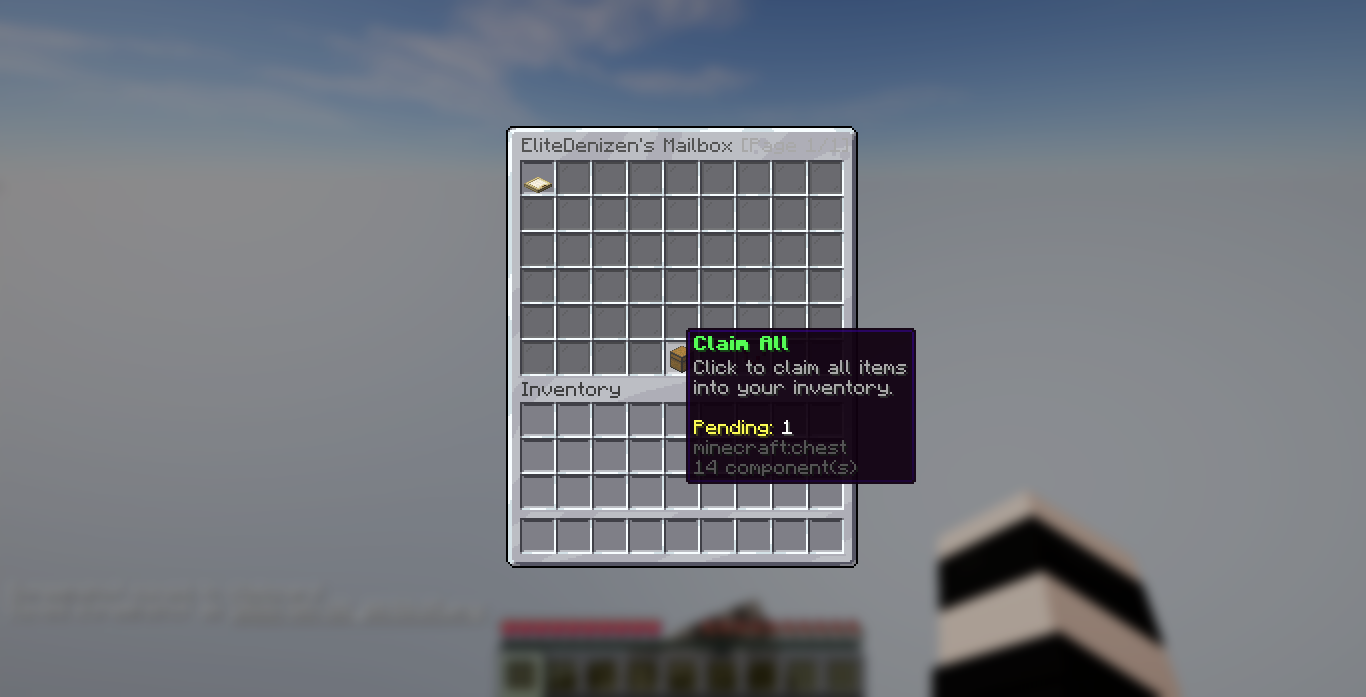
The mailbox GUI, with Claim All in the control row
🧩 Dependencies
Required: AT-MailBox runs on TheAPI (version 13.8.x or newer), which must be installed separately or the plugin will not load. It's a free, single-jar library that powers the GUIs, config, and database handling.
Optional:
- PlaceholderAPI for the
%atmailbox_...%placeholders (link) - InfiniteBags routes overflow straight into a player's bag when they have one (link)
- RoseStacker is supported automatically. A grouped pile is read at its real count, and items already lying on the floor are never folded into an incoming delivery
📦 How It Works
- Catches overflow automatically: when a player picks up an item with a full inventory, it's routed to their mailbox instead of dropping on the ground
- Command deliveries too: hand a player more than their inventory can hold and the remainder goes to their mailbox rather than onto the floor
- Their own items stay theirs: anything a player deliberately threw down, or that was already lying nearby, is left exactly where it is
- Claim through a GUI: players open
/mailboxto see their stored items, claim one at a time, or claim everything at once - Never silently lost: if the mailbox itself is full, you choose whether the item drops at the player's feet or is rejected with a message
⚙ Player Settings
Each player controls how their mailbox behaves through an in-GUI settings menu, opened right from the mailbox.
- Auto-send existing types: overflow is sent to the mailbox only for item types the player already has stored there
- Auto-send everything: all overflow is routed to the mailbox
- Each player's choices are saved, so the mailbox works the way they want it to
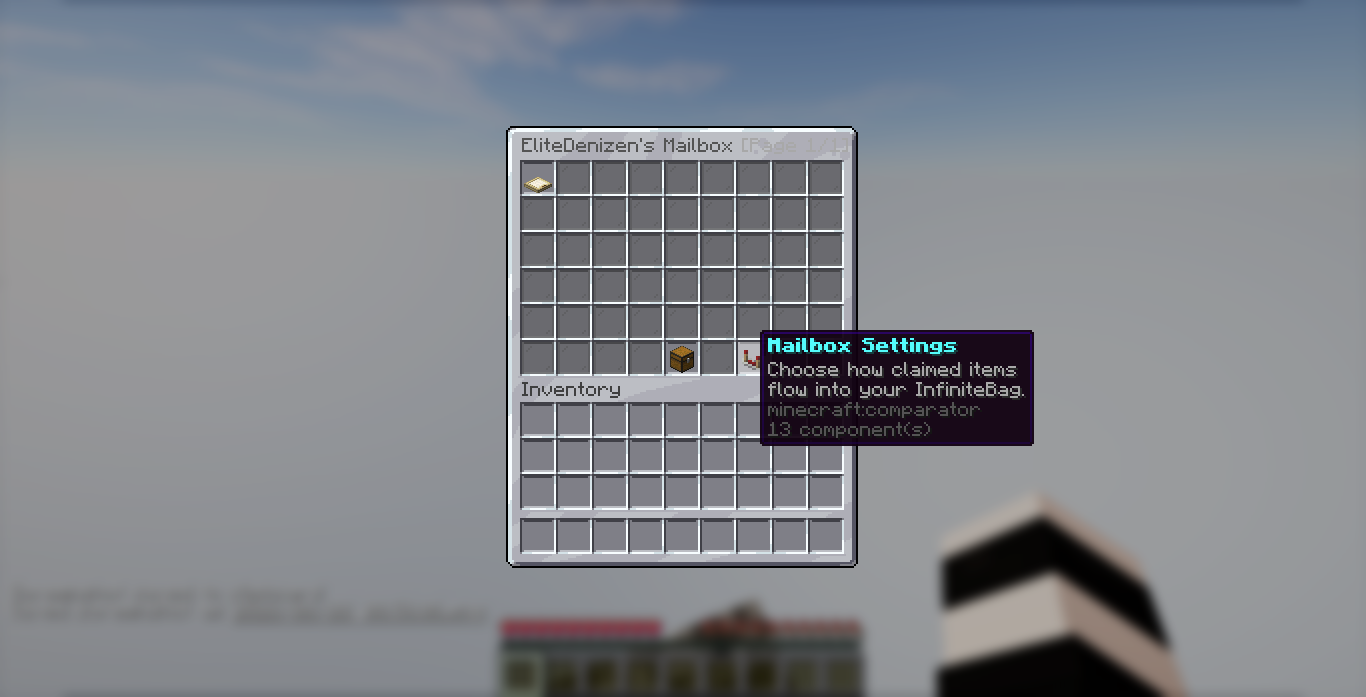
The settings button inside the mailbox menu
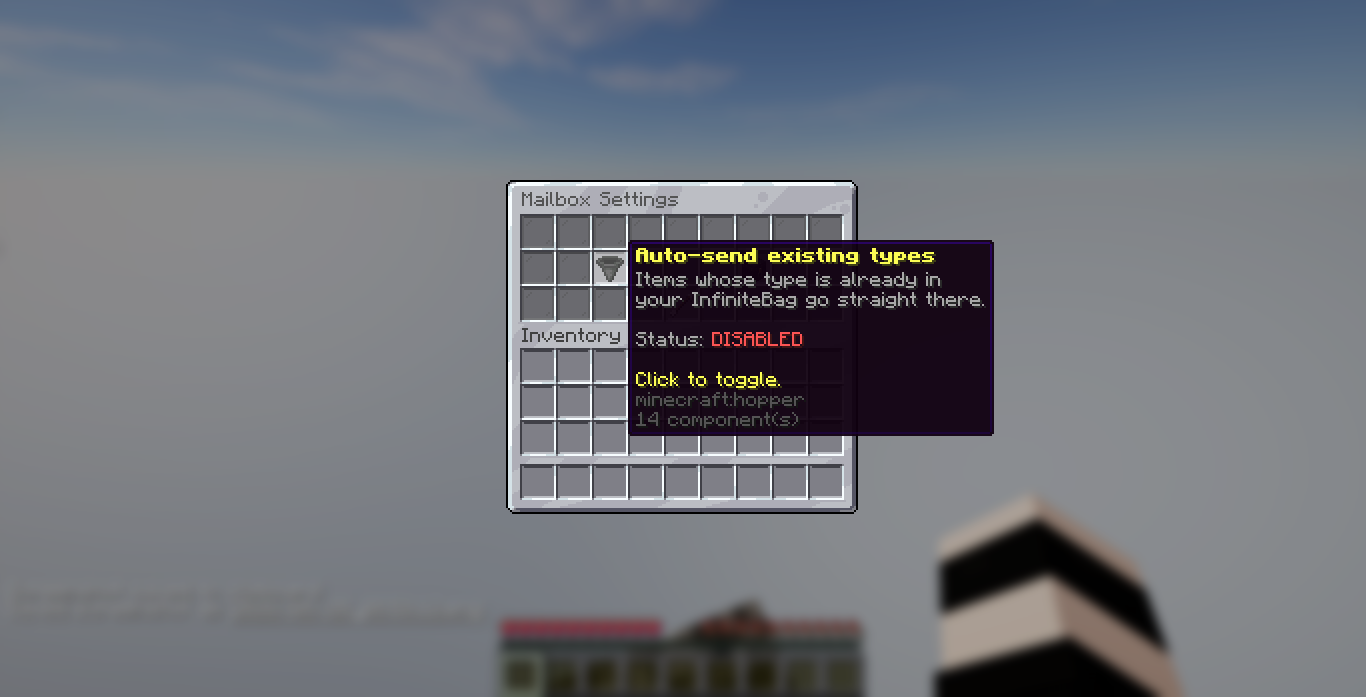
The auto-send existing types toggle
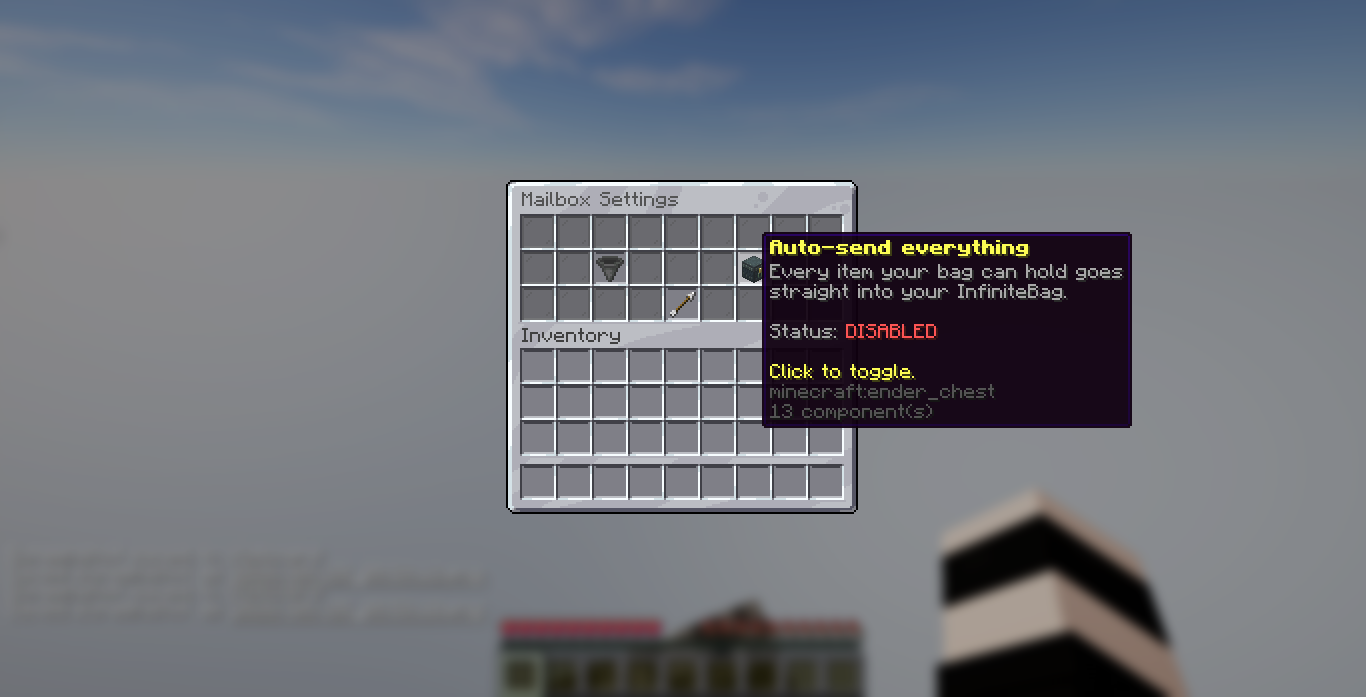
The auto-send everything toggle
🗃 Rank-Based Capacity
Mailbox size is driven by permission tiers, so you can reward ranks and donors with bigger mailboxes.
- Capacity is measured in pages, and each tier grants a page count (the default config ships
default,vip,mvp, andunlimited) - Tiers are fully config-driven, so add, rename, or remove them freely. Each tier
<name>auto-grants the permissionatmailbox.capacity.<name> - The highest tier a player has wins, with
defaultas the floor for everyone
⏳ Item Expiry
- Optional expiry: stored items can expire after a configurable number of days, keeping your database tidy (or turn it off entirely)
- Expiry warnings: players are warned on join and optionally on a repeating timer while online, so they have a chance to claim before items are purged
- Live countdown: items close to expiry show a "time left" note right in the GUI
🔔 Login Notifications
When a player joins with items waiting, they get a heads-up so the mailbox never goes unnoticed. Notifications come as a chat message, a title, and a sound, each toggleable, with a cooldown so it never spams. Players with the bypass permission can opt out.
🖥 Clean GUI
- A paginated mailbox viewer with a 3-row or 6-row layout (your choice)
- Left-click an item to claim it, or hit Claim All to take everything that fits
- Claim All tells them what is waiting: the slot count, the item total, or both together, so a player reads
116 slots used for 1050 itemsrather than a bare number. The wording is yours in the language file - Configurable title, filler, and per-action sounds (open, claim, claim-all, page-turn)
- Items are never stolen or lost on a partial claim, anything that doesn't fit stays safely in the mailbox
⌨️ Commands
/mailbox(alias/mb) open your mailbox/mailbox admin open <player>view a player's mailbox/mailbox admin deliver <player>send an item straight to a player's mailbox/mailbox admin clear <player>empty a player's mailbox/mailbox admin reloadreload config and language files
🔐 Permissions
atmailbox.useopen and claim from the mailbox (default: true)atmailbox.adminall admin commands (default: op)atmailbox.capacity.<tier>grants that tier's mailbox sizeatmailbox.notify.bypassskip the login notification
📊 PlaceholderAPI
%atmailbox_count%/%atmailbox_slots_used%items currently stored%atmailbox_capacity%total mailbox capacity%atmailbox_slots_free%remaining space%atmailbox_has_items%whether the mailbox has anything in it
🧪 Compatibility
- Minecraft: 1.21 and newer
- Server software: Spigot, Paper
- Java: 17 or higher
- Storage: SQLite by default, with MySQL, MariaDB, and H2 also supported
- Languages: English, Spanish, and French bundled, with easy custom translations
🧩 Developer API
Other plugins can deliver items through MailboxAPI: deliver to a player, check availability, and read their count, capacity, page count, and slots per page. If AT-MailBox isn't installed, deliver falls back to a plain inventory add, so items are never lost.
📈 Metrics
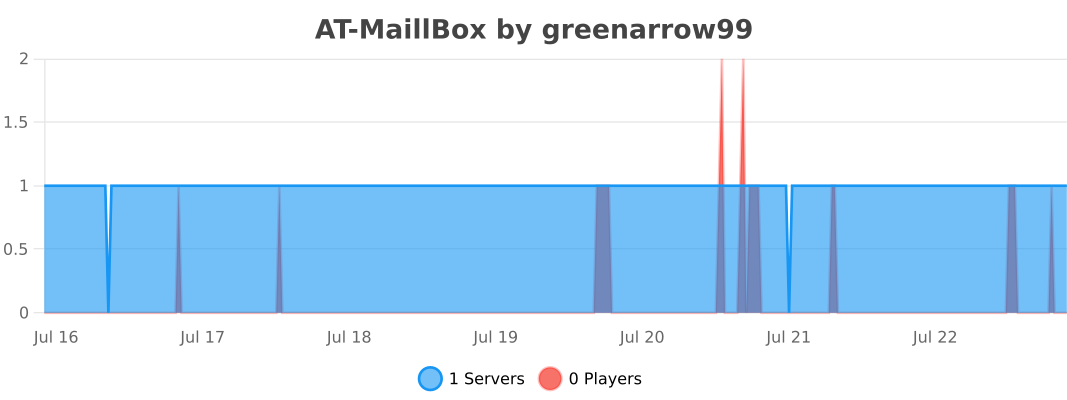
This plugin uses bStats to collect anonymous usage stats. You can opt out anytime in plugins/bStats/config.yml.
💬 Support & Docs
Full setup and configuration guides are in the documentation. Need help, found a bug, or want to suggest a feature? Join the Discord.
Statistics
Views
Purchases
Downloads
File size
Published
Updated
Info
Share & Earn
Share and earn part of the profits, an estimated €1.1 per product sale.
Product Image
Links