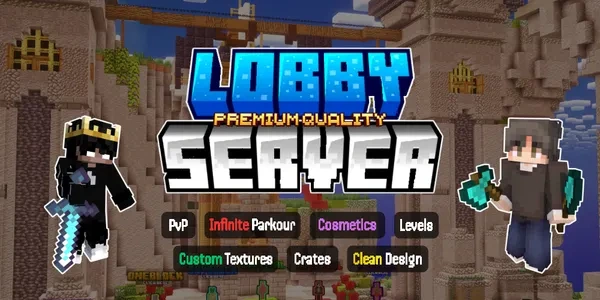
Lobby Server Setup | Premium Quality v1.3
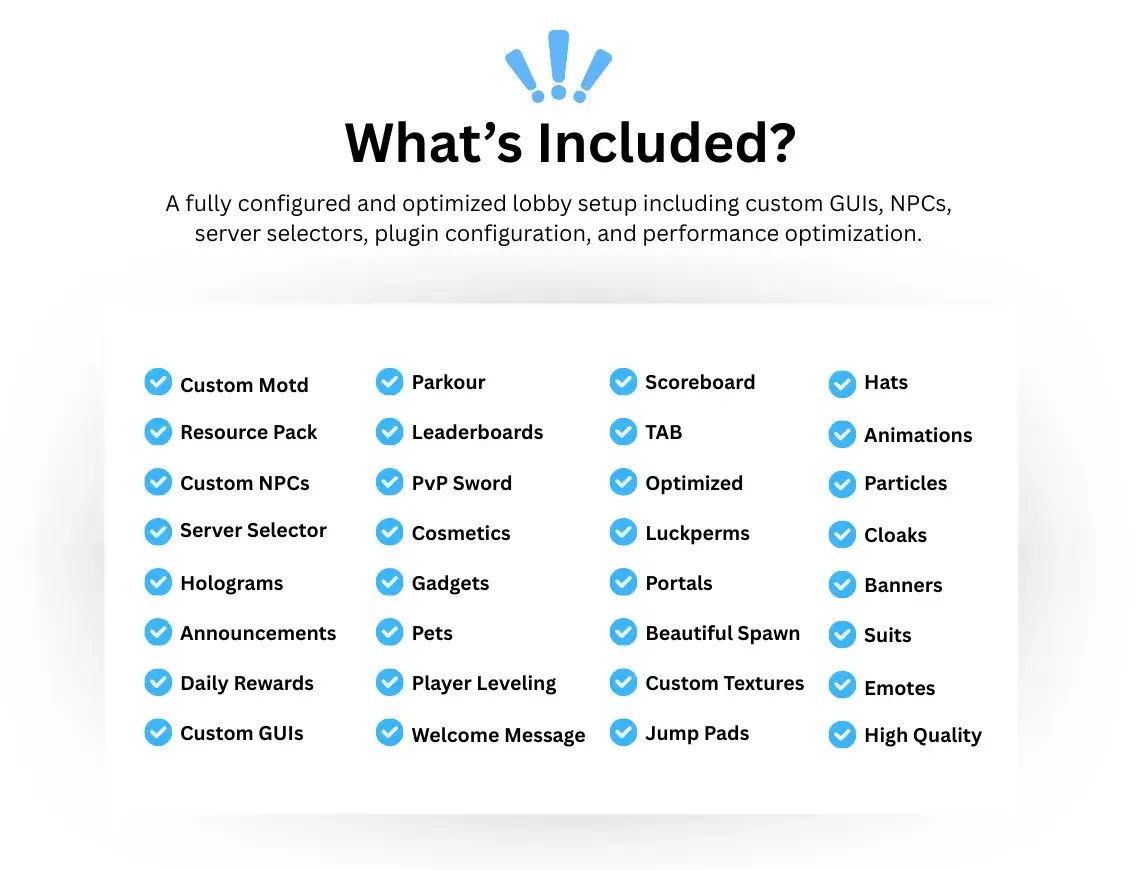
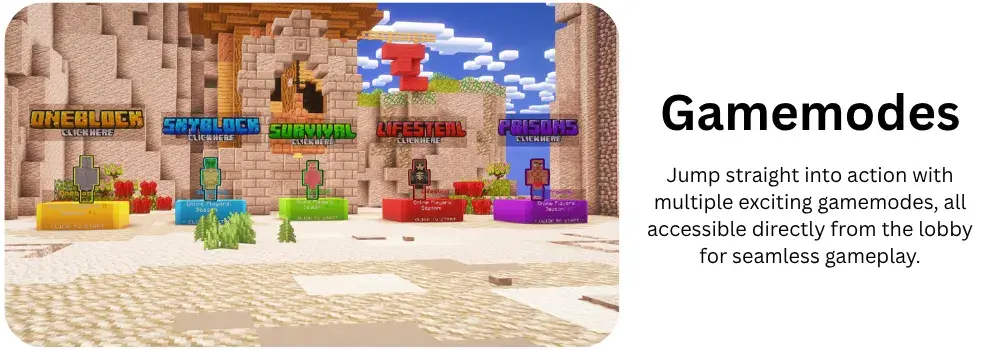




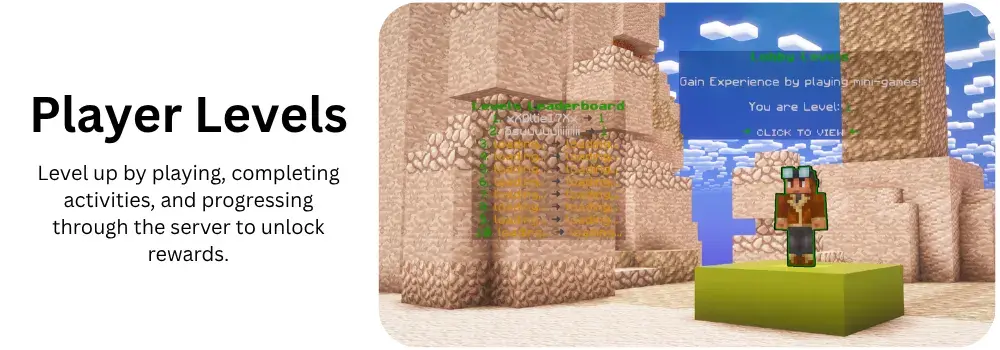
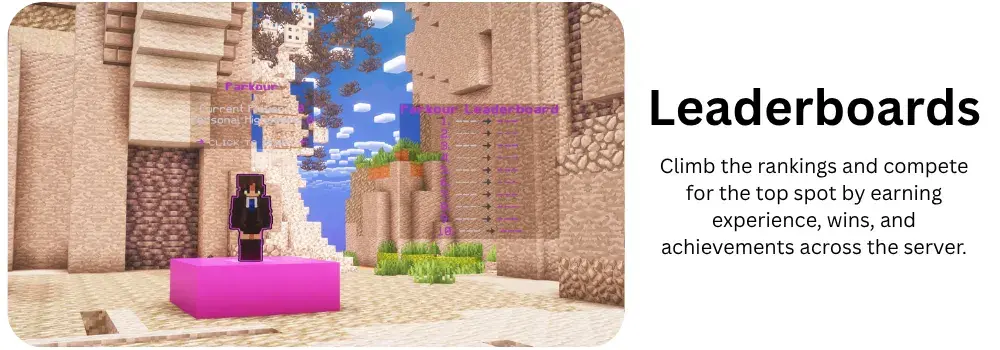
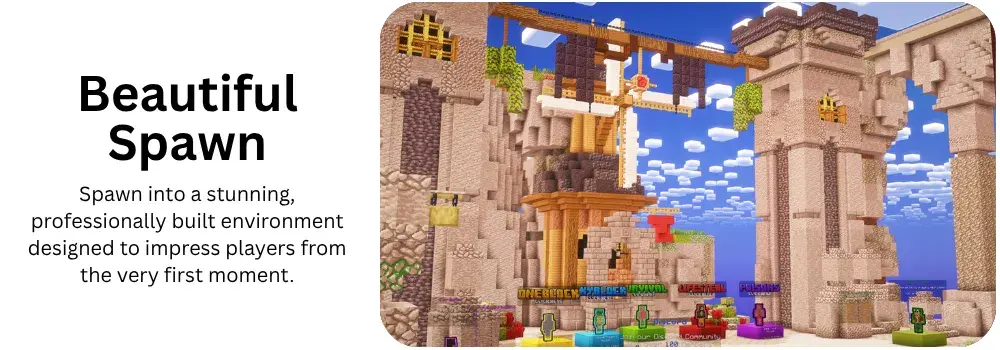
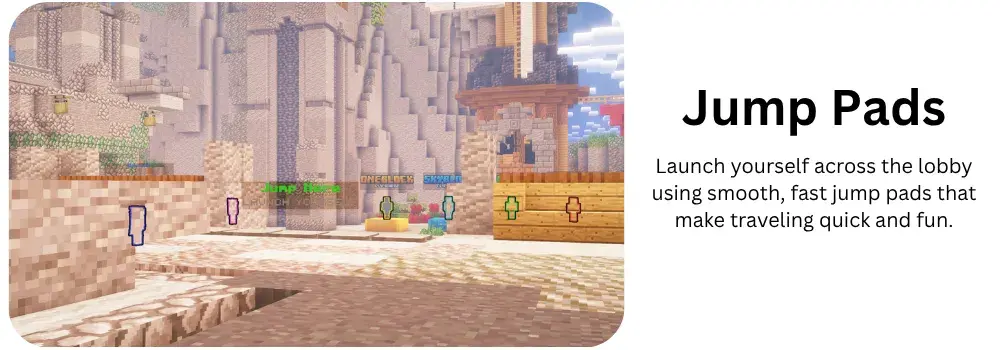
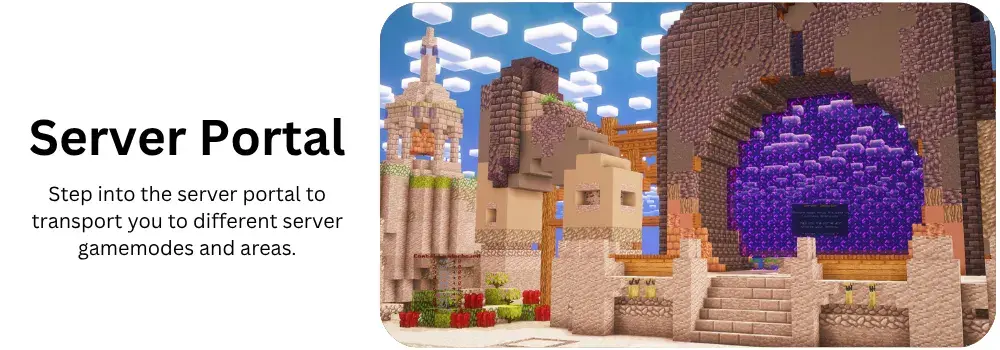
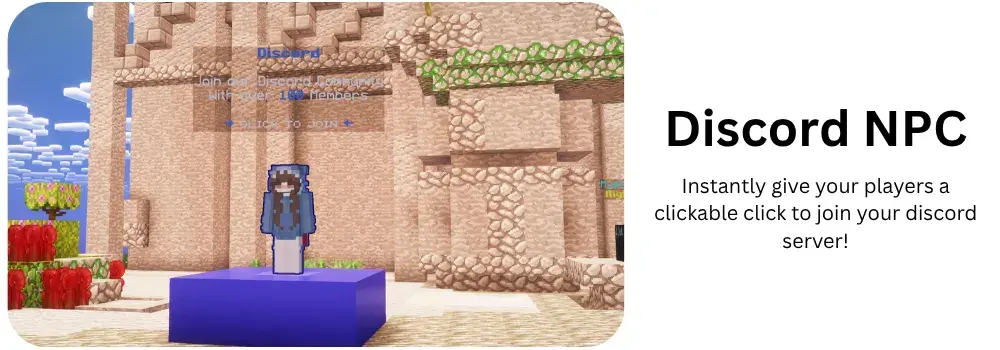
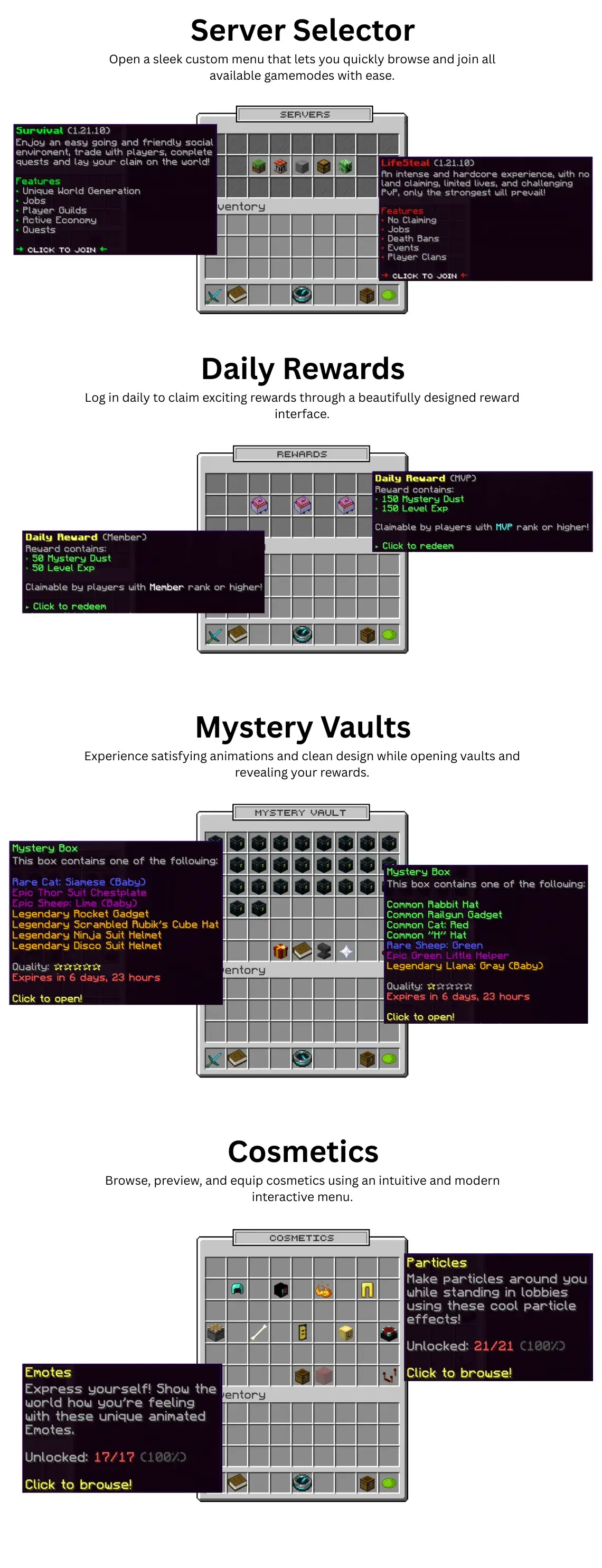
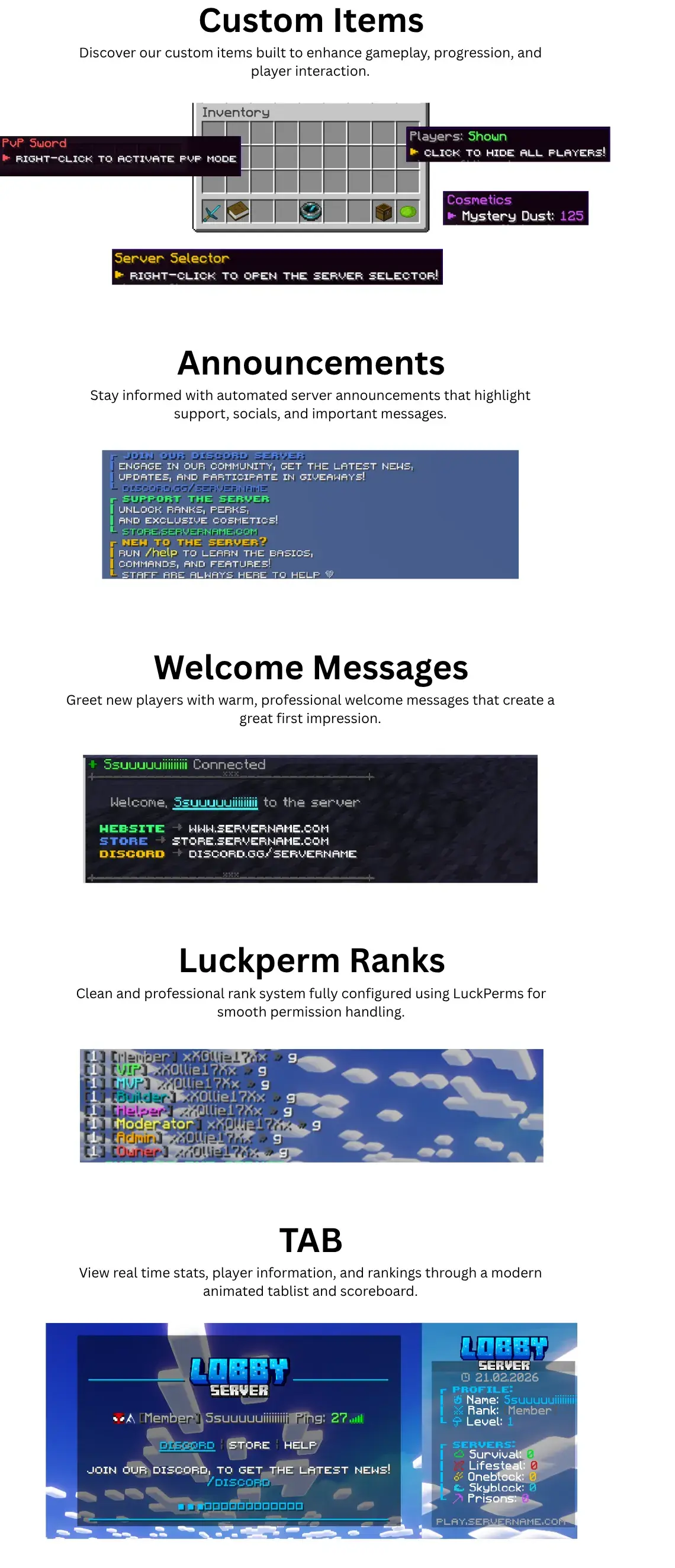
A premium all in one Minecraft lobby packed with modern features, custom GUIs, cosmetics, animations


Information:
- Server Version: 1.21.10 (native version)
- Java: Version 21
- Recommended RAM: Recommended: 4GB
- Dependencies: ✔ No paid plugins required
- - Download Paper Here, - Download GadgetsMenu Here
Installation:
- Download: Purchase and download the Server Setup files.
- Upload: Place the "Premium-Lobby-Server.zip" file into your server’s "/home/" folder.
- Unzip / Unarchive: Right click the zip file and click "Unarchive".
- Restart the Server: Restart your Minecraft server to apply the changes.
- (A Step by Step Installation guide will be provided within the resource file, and support is provided on our discord server).
Support:
Create a support ticket on our discord if you have any issues or questions about the configuration. We will assist you as soon as possible!
Related Products (5)
LiteBans Config | Premium Quality

Creator Premium
A professionally designed LiteBans messages configuration with clean formatting and clarity.
(0)
1 Sale
€3.99
ShopGUIPlus Config | Premium Quality
Creator Premium
Beautiful Custom UI's / 500+ Items / Oraxen, ItemsAdder & Vanilla Support
(0)
0 Sales
€7.99
ShopGUI+ Config / Optimized for Economy
Creator Premium
ShopGUI+ Configuration with an intuitive and user-friendly shop layout, including over 1000 items.
(0)
0 Sales
€4.99
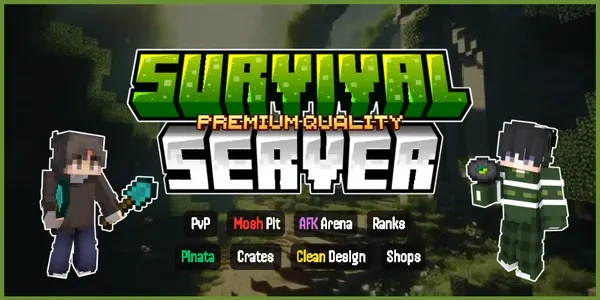
Survival Setup | Quality Resource
Creator Premium
The Best Survival Setup Available on PixelEast!
(0)
1 Sale
€9.99
AuraSkills Config | Premium Quality
Creator Premium
A complete AuraSkills overhaul with refined leveling, custom perks, and beautiful, modern skill men...
(0)
0 Sales
€4.99